
On this page
Quick answer
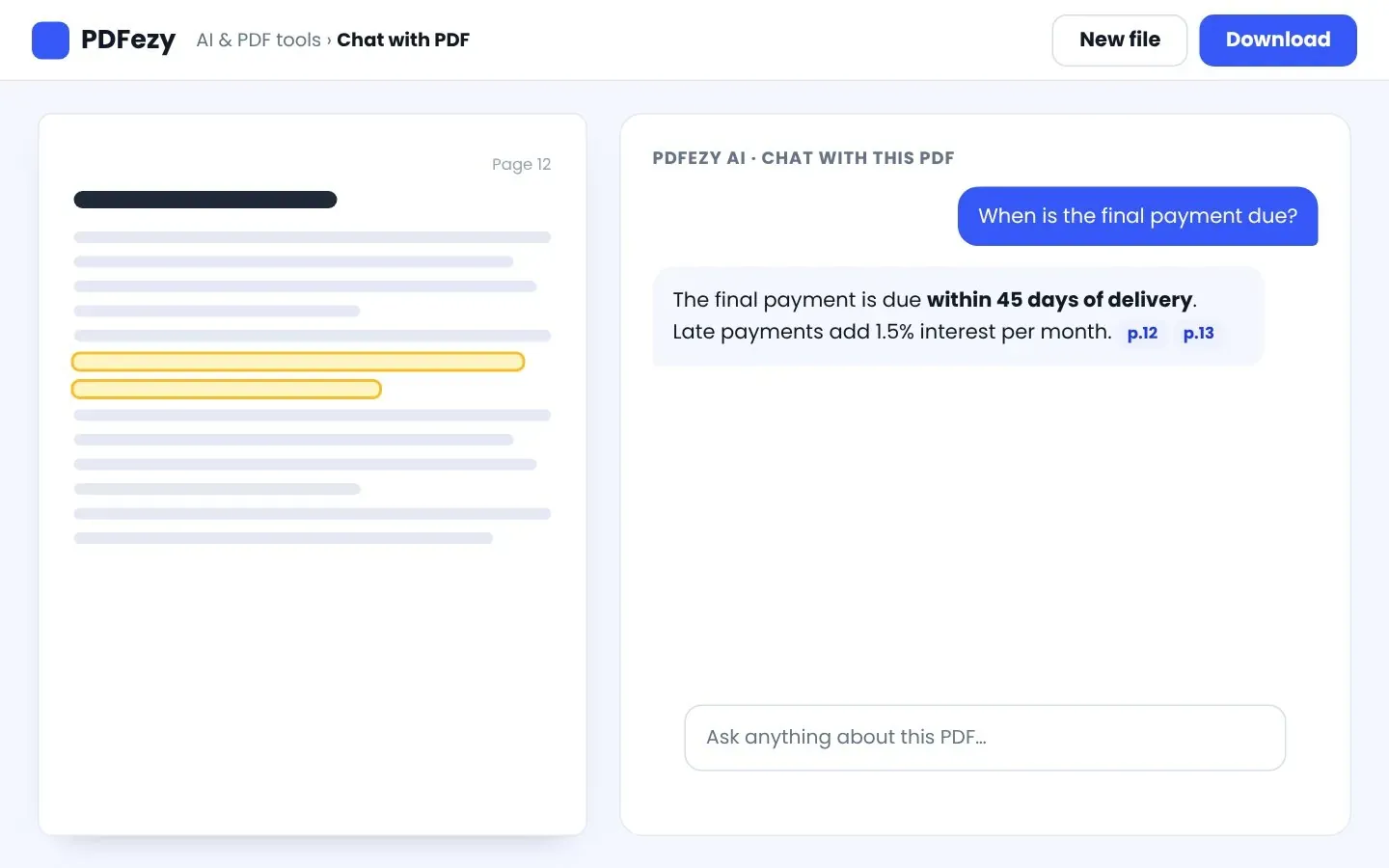
Upload the PDF to a chat-with-PDF tool and type your question in plain English. PDFezy's Chat with PDF answers only from your document, shows the page each answer came from, and tells you when the document doesn't cover your question instead of guessing.
When chatting beats searching
Ctrl+F finds words; it doesn't find answers. If you don't know the exact wording, or the answer is spread across several pages, a search won't help. Asking works when:
- You need a fact but don't know what it's called in the document ("How much notice do I have to give?").
- The answer combines several sections ("Which fees apply if I cancel in the first year?").
- The document is long: manuals, policies, annual reports, textbooks.
How to chat with a PDF on PDFezy
- Open Chat with PDF and upload your PDF, up to 100 MB. Scanned PDFs work; built-in OCR reads them first.
- Type a question, or pick a suggested one.
- Read the answer and click the page citation to see the source.
- Ask follow-up questions to go deeper.
Questions that work well
| Goal | Try asking |
|---|---|
| Find a fact | "What is the notice period?" · "When does the warranty end?" |
| Understand | "Explain section 4 in simple terms." |
| Pull a list | "List every deadline and its date." |
| Check something | "Does this policy cover working from another country?" |
| Compare within the document | "How do the Basic and Pro plans differ?" |
How to get better answers
- Ask one thing at a time. Three questions in one often gets a partial answer.
- Use the document's words for names, sections and terms when you know them.
- Check the citation for anything you'll act on.
- Rephrase if it can't find something. If you see "I couldn't find that in this PDF", try a different word. The document may also simply not cover it, which is useful to know.
Why answers only from the document matter
General chatbots can mix what's in your file with what they learned elsewhere, which is risky for contracts, policies and technical manuals. An answer limited to the document, with a page reference, is one you can verify in seconds.
Summary or chat?
Use Summarize PDF to get the key points of the whole document. Use Chat with PDF to answer specific questions. Many people do both: summarize first, then ask about the parts that matter.
Frequently asked questions
Does it answer from the internet?
No. Answers come only from your PDF.
Is it free?
Yes. You can start free without signing up. PDFezy AI tools have usage limits that paid plans raise.
Can I ask in another language?
Yes. Ask in any language and the answer comes back in that language.
Is my file private?
Guest files are deleted after 2 hours; signed-in users' after 48 hours.