
On this page
Quick answer
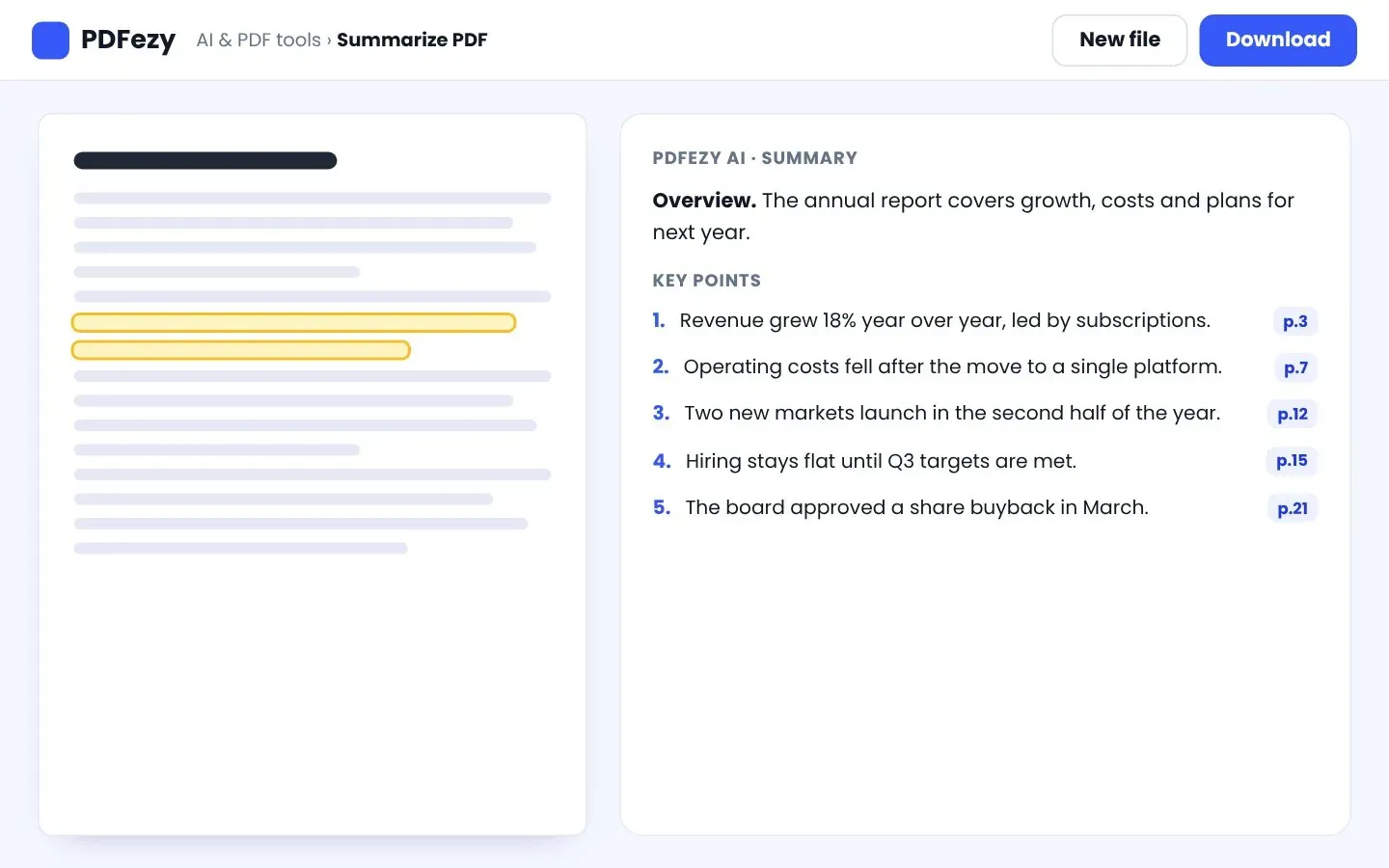
Upload the PDF to an AI summarizer, choose how long you want the summary to be, and read the key points it gives you. Then check anything important against the original page. PDFezy's Summarize PDF links every point to the page it came from, so that check takes one click.
What an AI summary is good for
An AI summary is a fast first read. It tells you what a document is about, what it concludes, and which sections deserve your time. It's useful for:
- Deciding whether a long report is worth reading in full.
- Getting the main points of a research paper before a meeting or a class.
- Reviewing a contract, policy or manual to find the parts that affect you.
- Catching up on documents in a language you read slowly.
It is not a replacement for reading the parts that matter. Treat it like a colleague's notes: helpful, quick, and worth checking before you rely on them.
How to summarize a PDF with PDFezy
- Open Summarize PDF and upload your file. Scanned PDFs work too; built-in OCR reads the pages first.
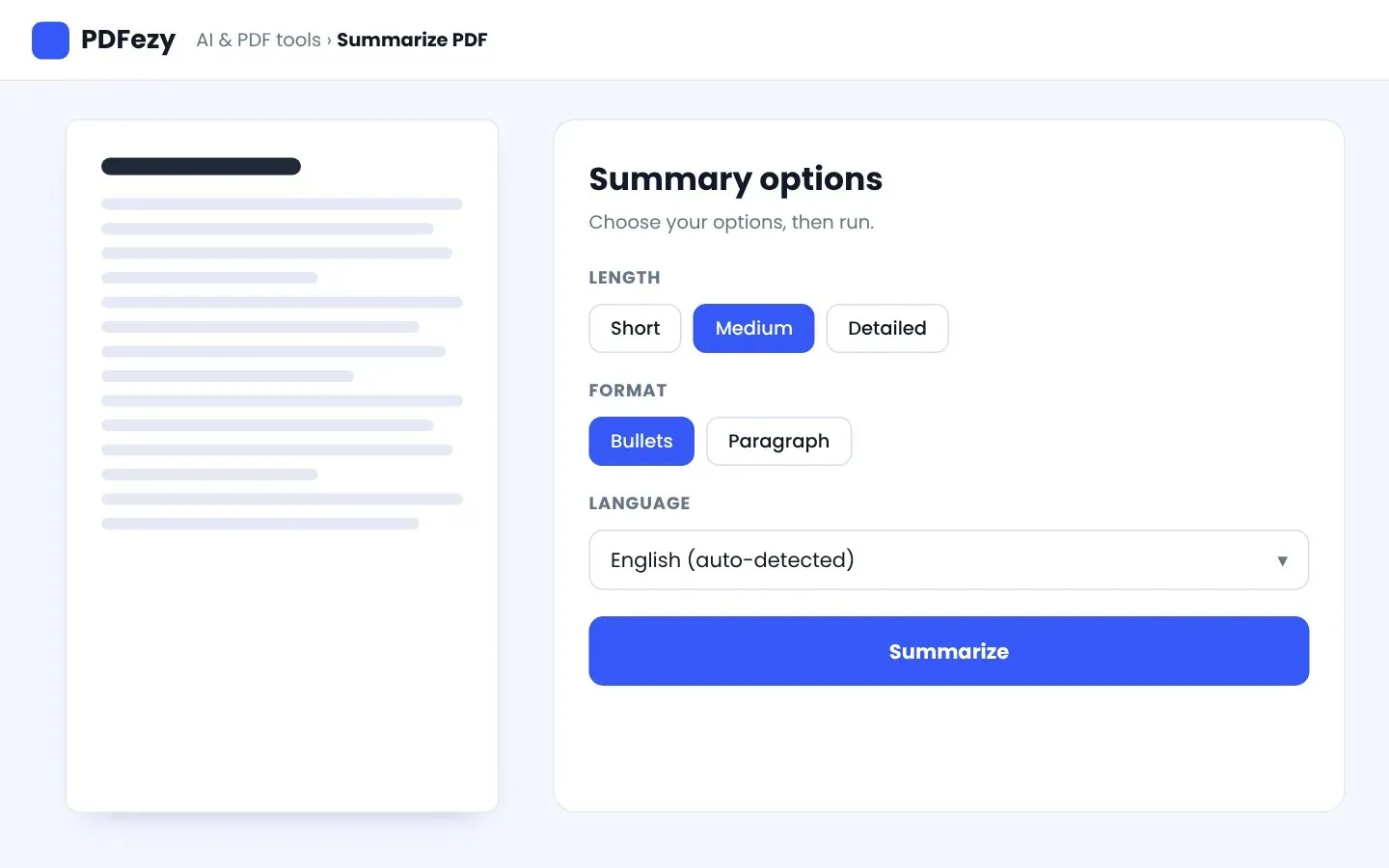
- Choose the length: short, medium or detailed, as bullets or a paragraph.
- Pick the language you want the summary in. You can choose from 30+ languages, whatever language the PDF is written in.
- Read the summary. Click any page reference to jump to the source.
- Copy it, or download it as PDF, Word or text.
Short, medium or detailed?
| Length | Use it when |
|---|---|
| Short | You're deciding whether to read the document at all |
| Medium | You want the main points of a report, article or paper |
| Detailed | You're studying, reviewing a contract or need to act on it |
If you're not sure, start with medium. You can run it again at a different length.
How to check an AI summary
AI tools sometimes state things the document doesn't say, mix up numbers, or miss a condition that changes the meaning. Five checks catch most problems:
- Check every number. Amounts, dates, percentages and deadlines are where errors matter most. Click the page reference and confirm each one.
- Look for missing conditions. "Staff can work from home" and "staff can work from home up to three days, with approval" are very different. Open the source page for any rule or obligation.
- Watch for confident claims without a source. If a point has no page reference, treat it as unverified.
- Skim the headings of the original. If a major section isn't reflected in the summary, read that section yourself.
- Ask a follow-up. If something seems off, ask about it directly with Chat with PDF, which answers only from your document and says when it can't find something.
Is it safe to upload a PDF to an AI summarizer?
It depends on the tool's policy. Before uploading anything sensitive, check how long files are kept. On PDFezy, guest files are deleted after 2 hours and signed-in users' files after 48 hours. For confidential documents, remove names and account numbers first with AI PDF Redaction.
Frequently asked questions
How long can the PDF be?
Up to 100 MB. Free summaries cover the first 50 pages; subscribers can summarize longer files.
Can AI summarize a scanned PDF?
Yes, if the tool runs OCR first. PDFezy does this automatically.
Can I get the summary in another language?
Yes. Pick the language and the summary is written in it.
Is an AI summary accurate enough to rely on?
For a first read, usually. For decisions, legal terms or numbers, always check the source page.