
On this page
The workflow in short
Study a PDF in four steps: summarize the chapter to get the main ideas, map it to see how they connect, ask questions about anything unclear, then quiz yourself until you get the answers right. PDFezy AI does each step from your file, and links every point back to the page so you can check it.
Built for
StudentsTools in this workflow
Why reading isn't enough
Re-reading feels productive, but it mostly builds familiarity, not memory. Learning research consistently finds that testing yourself (retrieval practice) and spacing reviews out over days work much better than re-reading. Carnegie Mellon University's teaching centre has a clear summary of the evidence on retrieval practice. The method below uses AI to set that up quickly.
Step 1: Get the big picture with a summary
Upload the chapter to Summarize PDF and choose detailed. Read the summary before the chapter. Knowing the main points first makes the full text easier to follow.
Tip: Use the page links to jump straight to sections you find hard.
Step 2: See how ideas connect with a mind map
Open the same file in PDF to Mind Map. It lays out main topics, sub-points and details, following the chapter's own sections. Fold branches to focus on one topic at a time. Export as PNG to keep beside your notes, or as OPML to edit in a mind map app.
Step 3: Ask about anything unclear
Use Chat with PDF like a tutor that has only read your textbook. Try:
- "Explain [concept] in simple terms."
- "What's the difference between [term A] and [term B]?"
- "Give me an example of [idea] from the chapter."
Every answer cites the page, and if the chapter doesn't cover something, it tells you rather than inventing an answer.
Step 4: Quiz yourself
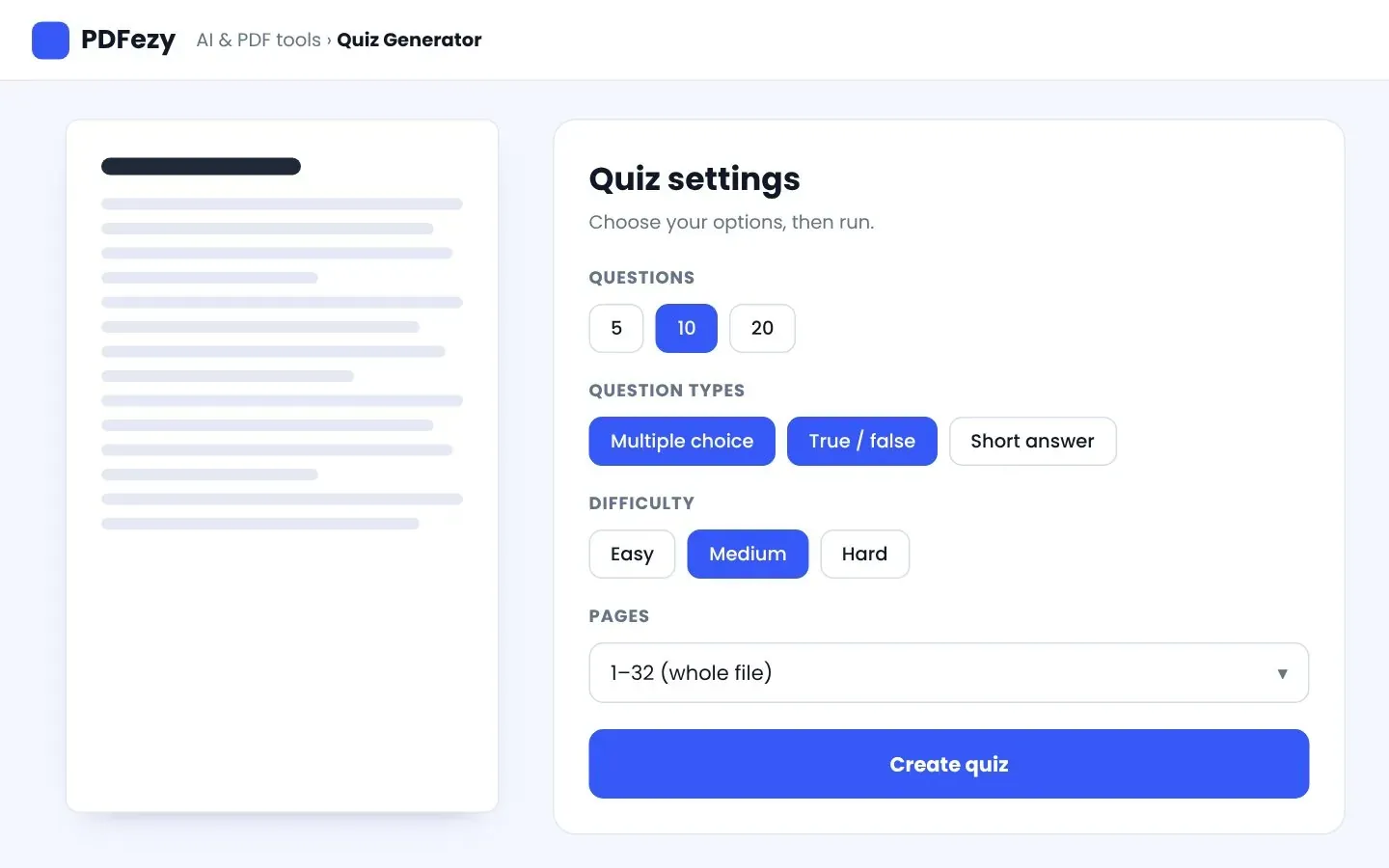
Open Quiz Generator and set:
- Pages: just this chapter, for example 12–30.
- Question types: multiple choice, true or false, short answer. Short answer is the best test of real understanding.
- Difficulty and number of questions.
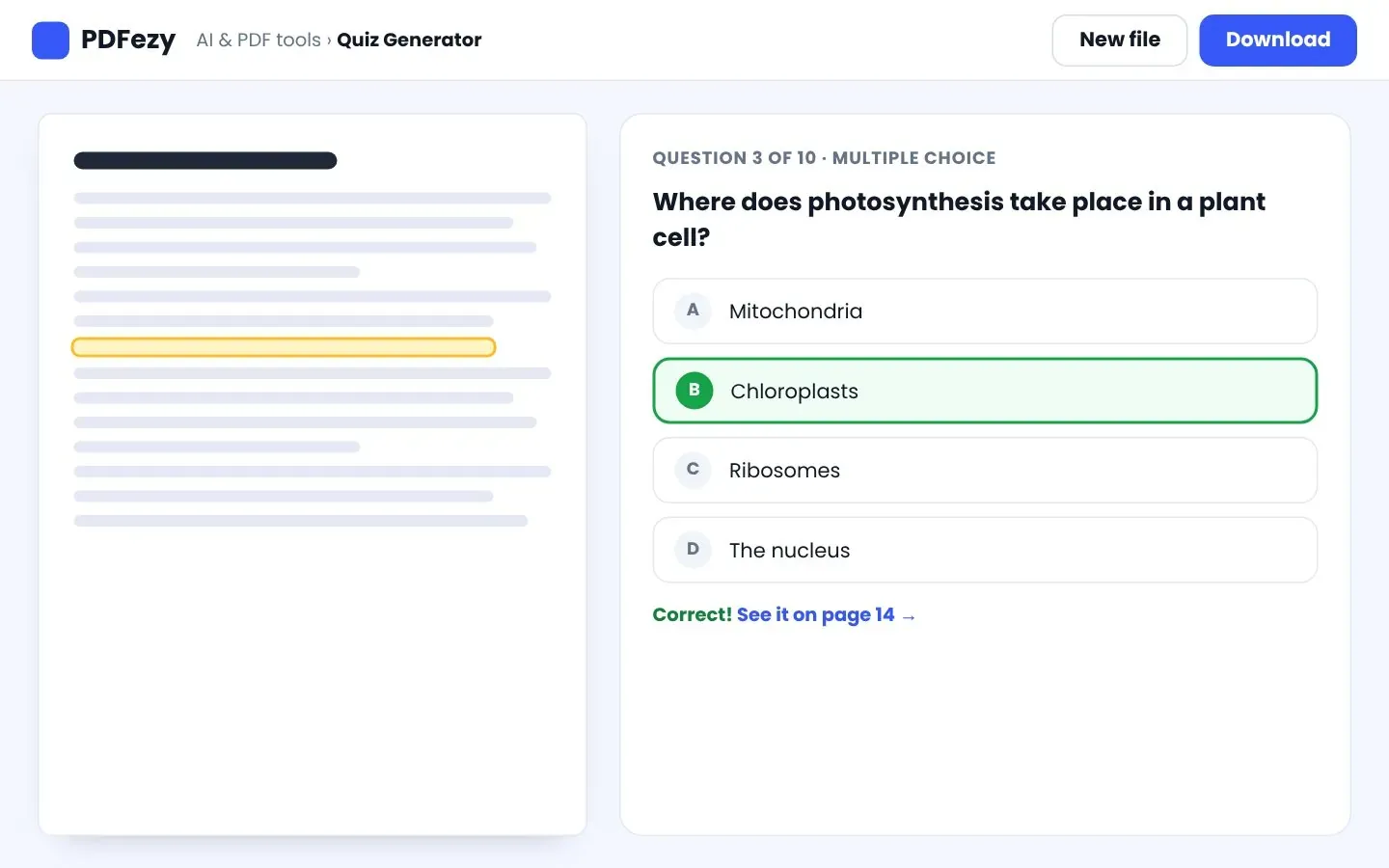
Practise one question at a time. When you get one wrong, click its page link and re-read that part. Then flip the flashcards made from the same file, or export them to Quizlet or Anki to review over the next few days.
A sample weekly routine
| Day | What to do | Time |
|---|---|---|
| 1 | Summary + mind map, then read the chapter | 45–60 min |
| 2 | Ask questions about anything unclear; first quiz | 30 min |
| 4 | Flashcards; second quiz on missed topics | 20 min |
| 7 | Final quiz, mixed with last week's chapter | 20 min |
Prefer to listen?
Turn the chapter into a 5- or 10-minute audio overview with PDF to Audio and review on the way to class.
Frequently asked questions
Is using AI to study cheating?
Using it to understand and test yourself isn't. Submitting AI-written work as your own usually is; follow your school's rules.
Can I study from scanned textbook pages?
Yes. PDFezy's AI tools read scanned pages with OCR.
Is it free?
Yes. You can start free without signing up. PDFezy AI tools have usage limits that paid plans raise.