
On this page
Quick answer
Upload the video to a video-to-audio converter and choose the format you need: MP3 for listening and sharing, WAV for editing. On PDFezy, use MP4 to MP3 or Video to MP3, or MP4 to WAV for editing. Download the audio file and you're done.
Why extract audio from a video?
- Turning a recorded talk, lecture or interview into a podcast episode.
- Saving a voice memo or performance recorded on your phone's camera.
- Getting a music track or voiceover to edit separately.
- Sending a recording for transcription.
- Listening to a long video on the go without the screen on.
MP3 or WAV?
| Choose | When | Size per minute (stereo) |
|---|---|---|
| MP3 | Listening, sharing, podcasts' final files | about 1–2.4 MB, depending on bitrate |
| WAV | Editing, mixing, transcription tools that ask for it, archiving | about 10.6 MB at 44.1 kHz, 16-bit |
Neither improves on the audio already in the video. WAV keeps it exactly as it is; MP3 makes it smaller by removing detail most people won't hear. More in WAV vs MP3.
How to extract audio with PDFezy
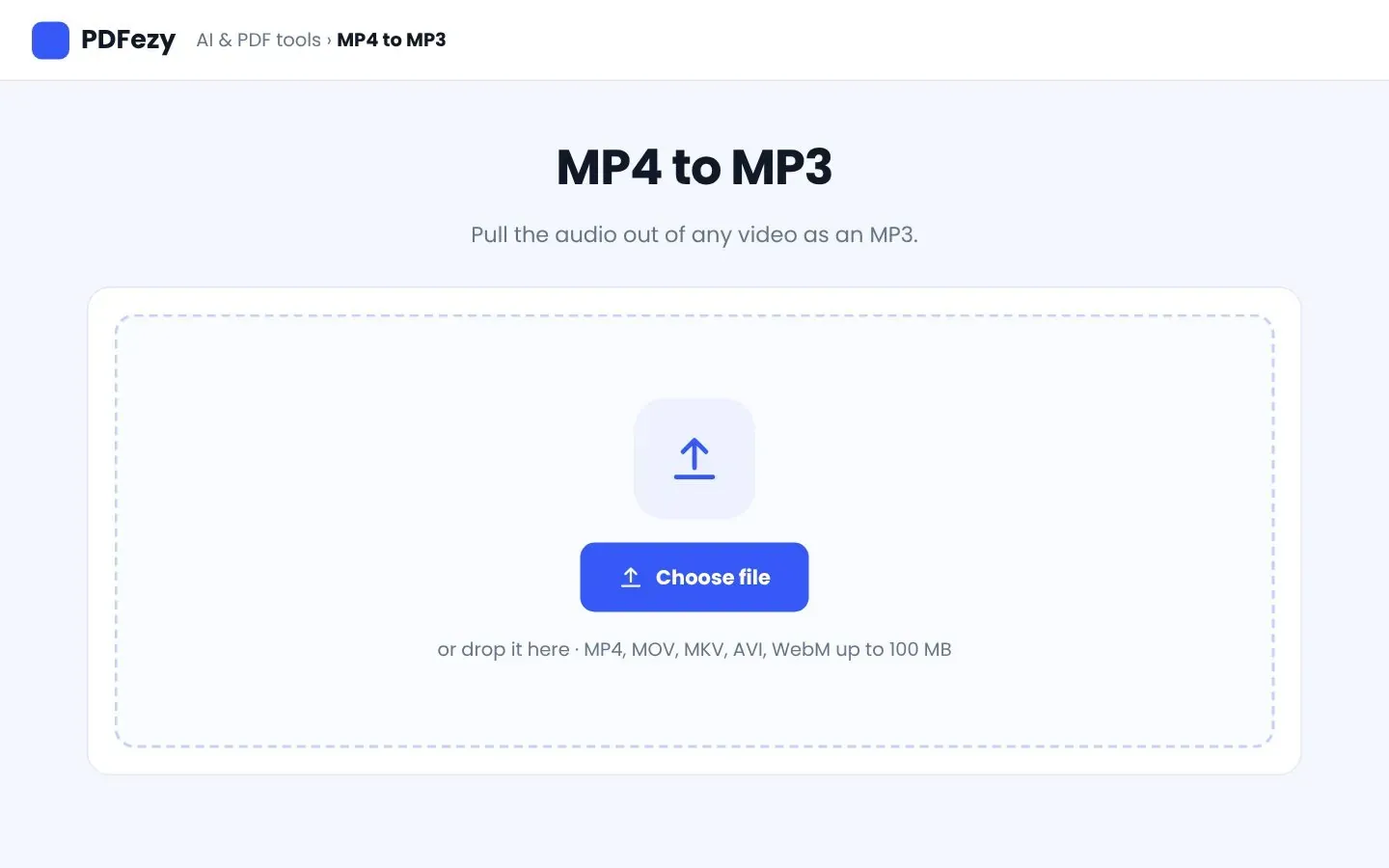
- Open MP4 to MP3 (or Video to MP3 for other formats like MOV, MKV and WebM).
- Upload your video.
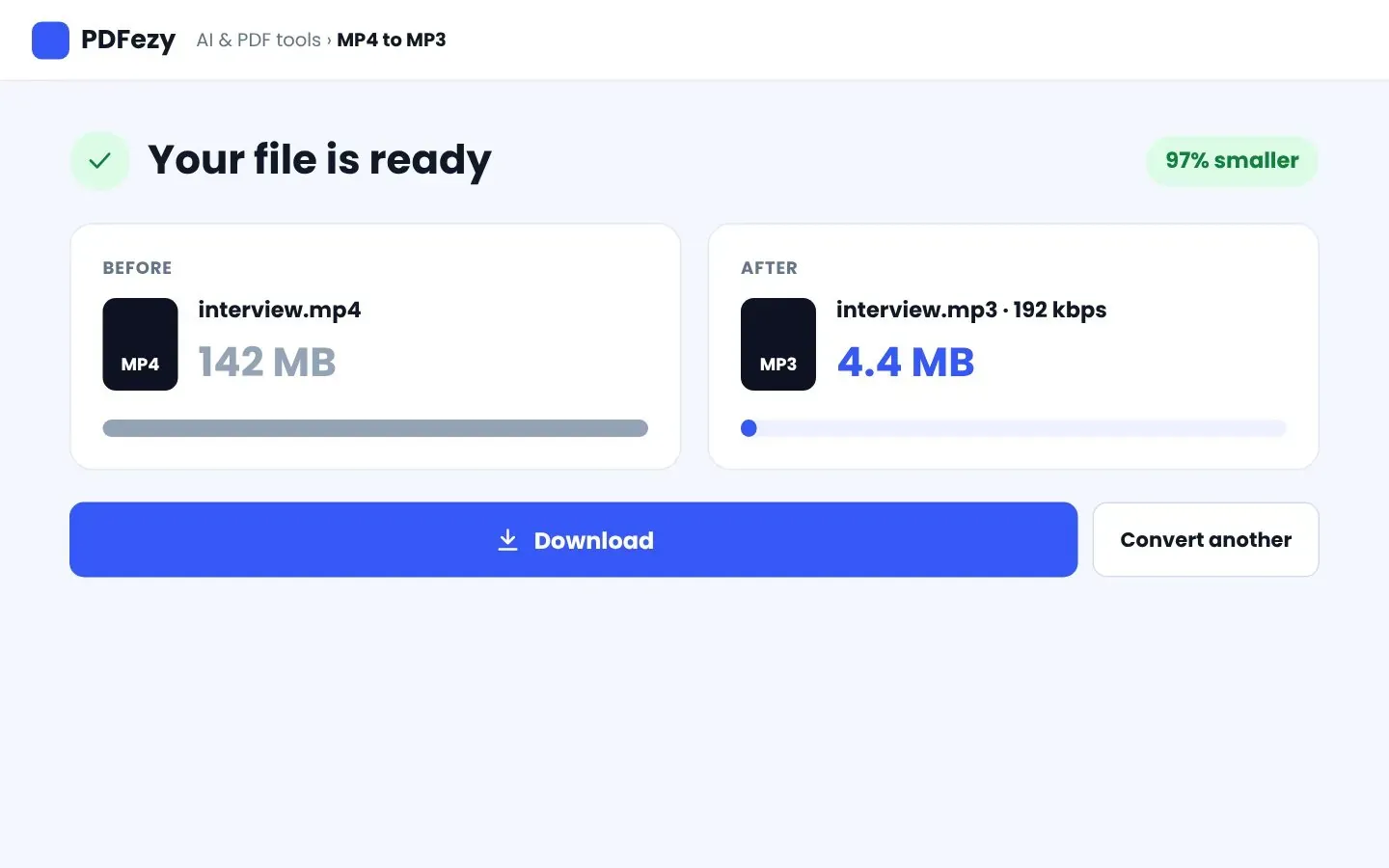
- Convert.
- Download the audio file.
For editing, use MP4 to WAV instead.
Only need part of the video?
Trim it first in PDFezy's Video Editor, then convert. The audio file will be smaller and you won't have to cut it afterwards.
Tips
- Trim before converting if you only need part of the video; it makes a smaller file.
- Use mono for voice. Interviews and lectures don't need stereo; mono halves WAV size.
- Only extract audio you have the right to use. Downloading or reusing music and videos you don't own may break copyright law or a platform's terms.
Want a summary instead of the full audio?
If the video is a recorded presentation with slides as a PDF, PDF to Audio can turn the slides into a short spoken overview.
Frequently asked questions
Can I extract audio from a YouTube link?
No. PDFezy converts files on your device; it doesn't download from websites.
Will the audio quality drop?
WAV keeps it as it is. MP3 at a good bitrate sounds the same to most listeners.
Can I extract audio on my phone?
Yes. Open the converter in your phone's browser and upload from your camera roll.