
On this page
Quick answer
The fastest way to reduce a PDF's file size is to run it through a PDF compressor, which shrinks the images inside it and removes data you don't need. Upload the file to PDFezy's Compress PDF, choose a compression level, and download the smaller file. Most image-heavy PDFs shrink a lot; text-only PDFs are usually small already.
Why are some PDFs so large?
A PDF's size depends almost entirely on what's inside it, not on how many pages it has. A 200-page novel can be smaller than a 2-page brochure. The usual causes are:
- High-resolution images. Photos from a phone or camera are often far sharper than a screen or printer needs.
- Scanned pages. A scanned document is a picture of every page, so each page is an image.
- Embedded fonts. PDFs carry the fonts they use so they look the same everywhere. Unusual fonts add size.
- Hidden extras. Comments, form fields, old revisions, attachments and metadata can all add weight you never see.
Knowing the cause tells you which fix will work. If your PDF is mostly scanned pages or photos, compression will make a big difference. If it's mostly text, it may already be about as small as it gets.
Method 1: Use an online PDF compressor (fastest)
This works on any device, including phones, with nothing to install.
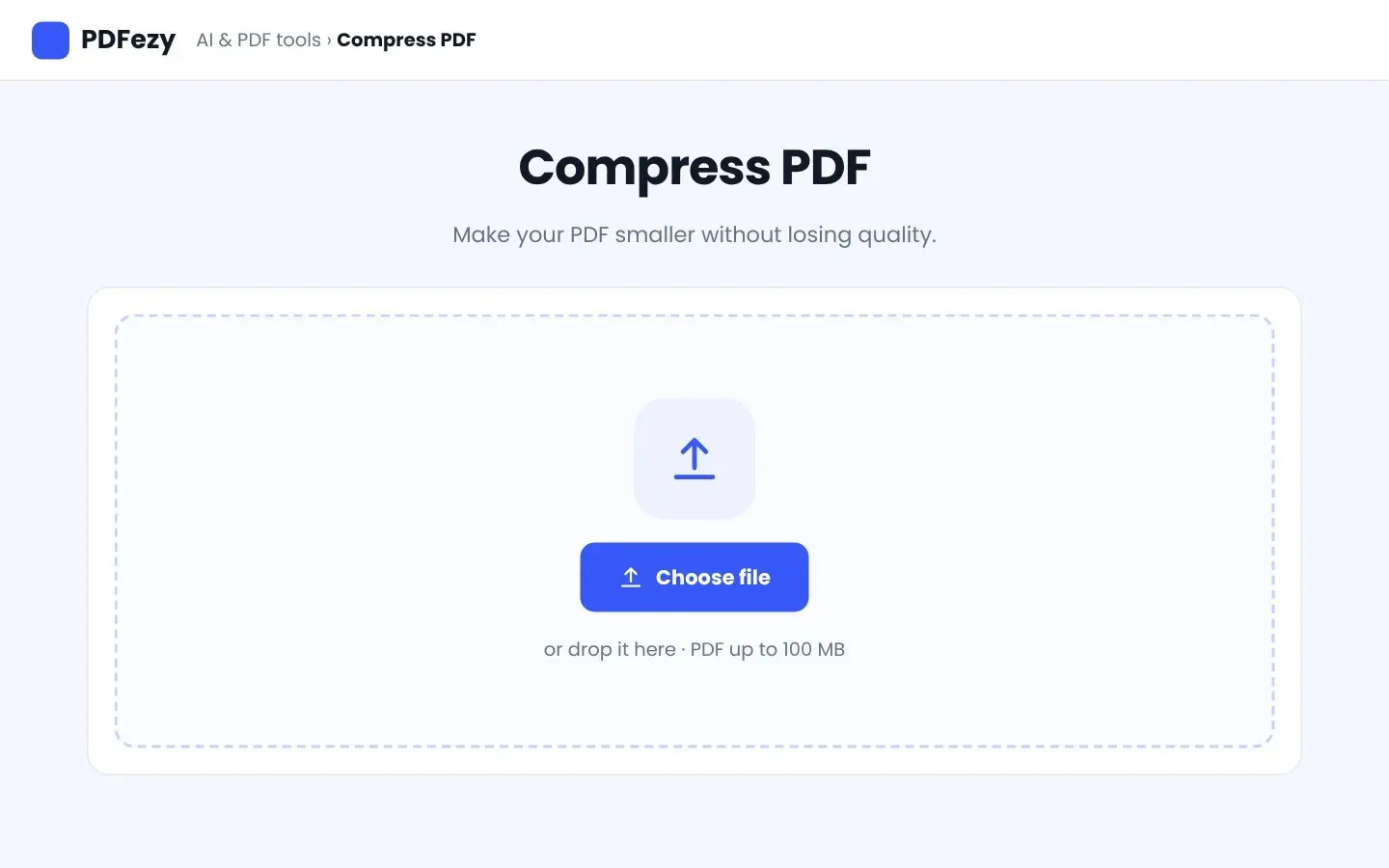
- Open Compress PDF on PDFezy.
- Upload your PDF by dragging it onto the page or choosing it from your device.
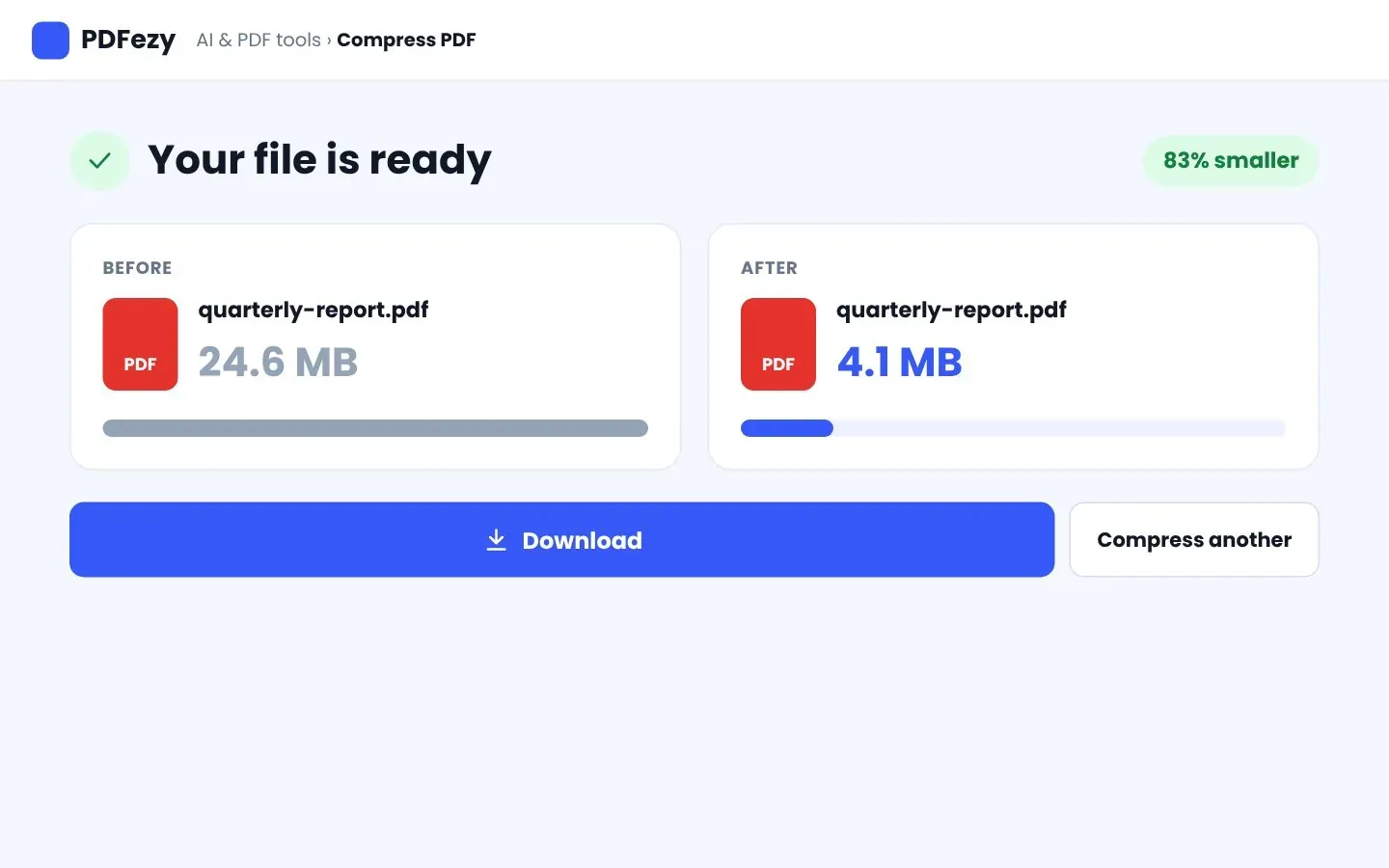
- Choose a compression level: High (about 40% smaller, standard quality), Basic (about 20% smaller, better quality) or Low (about 10% smaller, highest quality). Basic is a good fit for most documents.
- Download the compressed file and check it looks right before sending.
Tip: Always keep your original. Compression removes image detail permanently, so you can't get it back from the smaller file.
How PDFezy compares with other online compressors
All the big PDF sites can shrink a PDF. The main difference is how much you can do for free.
| Tool | Free use | Good to know |
|---|---|---|
| PDFezy | Free, no sign-up needed | Three clear levels: High, Basic and Low |
| Smallpdf | Free plan with a small daily task limit | Pro removes the limits |
| iLovePDF | Free plan with limited document processing | Premium adds unlimited processing |
| PDF24 Tools | Free with no usage limits, no sign-up (ad-supported) | Also offers a free Windows app |
| Sejda | Free with page and hourly limits, no sign-up | Paid plans remove the limits |
| Adobe Acrobat Online | One free task without signing in; more with a free Adobe account | Further use needs a paid plan |
If you compress a lot of files, a tool without daily limits saves you waiting. If you compress the odd file, any of them will do; pick the one whose result looks best for your document.
How small does a PDF need to be?
It depends on where it's going. Gmail lets you send up to 25 MB of attachments per email and offers a Google Drive link for anything larger (Gmail Help). Outlook.com's limit is 20 MB (Microsoft Support). Job portals, government websites and school platforms often set much lower limits, sometimes just a few MB, so check the upload page for the exact number.
Still too big?
If compression doesn't get you under the limit:
- Split the PDF into smaller files with Split PDF and send them separately.
- Remove pages you don't need with Delete Pages.
- Re-scan at a lower resolution. For text documents, 150–200 DPI is usually enough to read clearly.
- Share a link from cloud storage instead of attaching the file.
Frequently asked questions
Does compressing a PDF reduce quality?
It can reduce image sharpness, but text stays crisp because it isn't an image. Choose a lighter setting if images matter.
Why didn't my PDF get much smaller?
It's probably mostly text, which is already compact. Compression helps most with photos and scans.
Can I compress a PDF on my phone?
Yes. Open an online compressor in your phone's browser and upload from your files.
Is it safe to compress PDFs online?
Check the tool's file policy. On PDFezy, guest files are deleted after 2 hours and signed-in users' files after 48 hours.