
On this page
Quick answer
Upload your PDFs to a merge tool, drag them into the order you want, and download one combined file. On PDFezy, open Merge PDF, add your files, arrange them and click merge. It works in any browser, including on phones.
When you'd combine PDFs
- Sending a job application with a CV, cover letter and references as one file.
- Submitting receipts or invoices for an expense claim.
- Putting scanned pages back together into one document.
- Creating one report from several chapters.
Many upload forms accept only one file, so merging is often the only way to send everything.
Method 1: Merge PDFs online with PDFezy
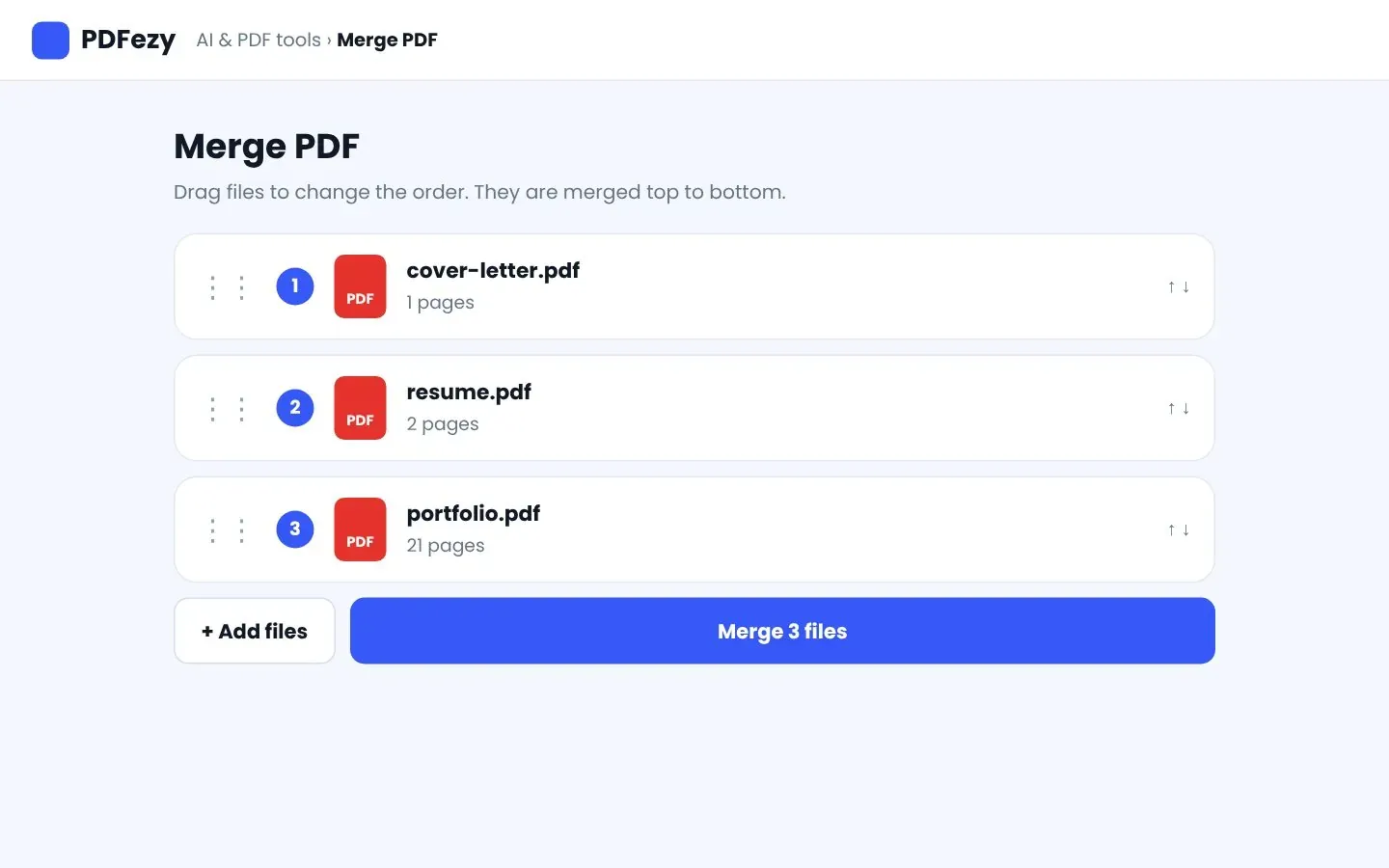
- Open Merge PDF.
- Upload two or more PDFs by dragging them onto the page or choosing them.
- Drag the files into the order you want.
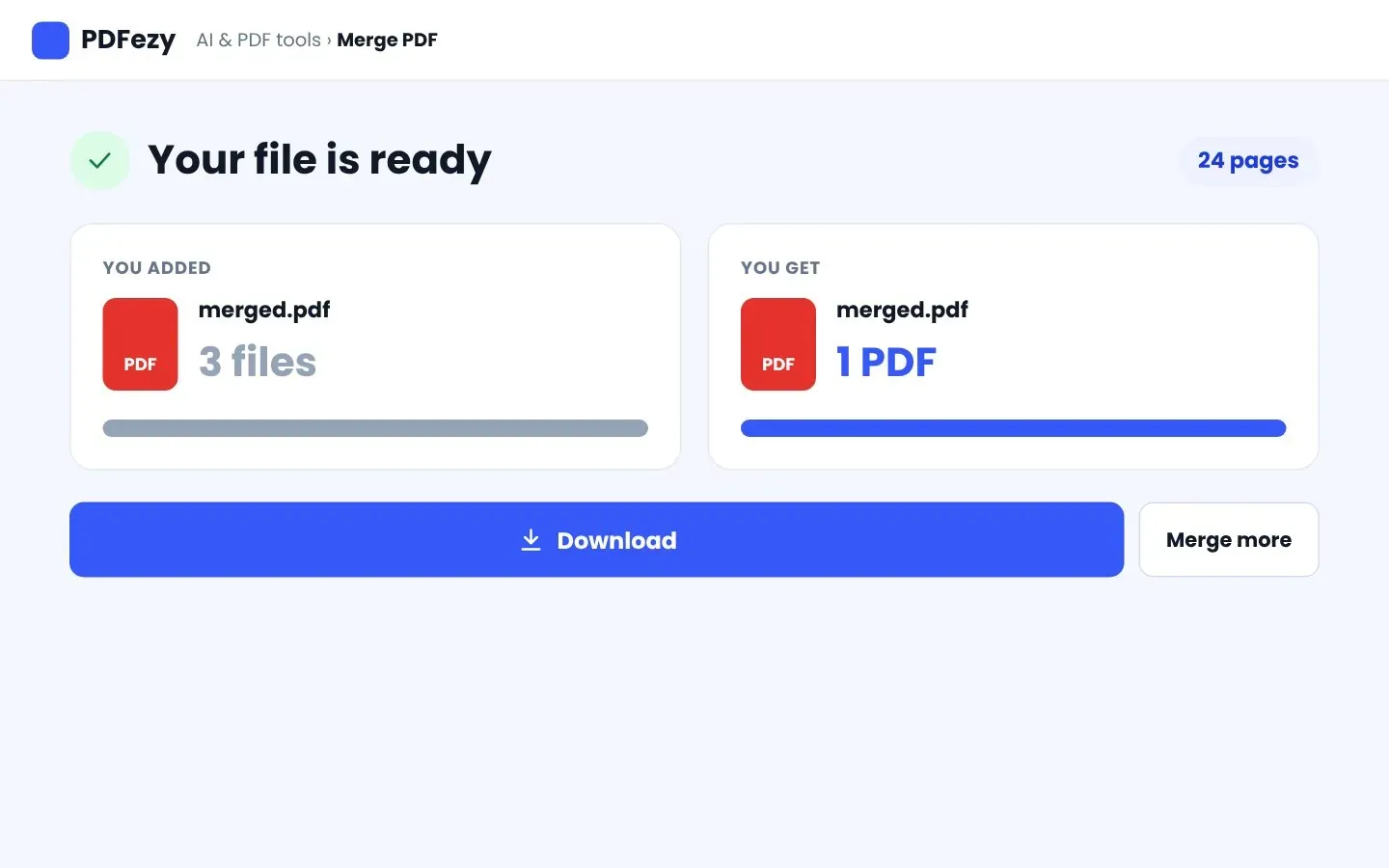
- Click merge and download your combined PDF.
How PDFezy compares with other online PDF mergers
| Tool | Free use | Good to know |
|---|---|---|
| PDFezy | Free, no sign-up needed | Up to 100 MB per upload |
| Smallpdf | Free plan with a small daily task limit | Pro removes the limits |
| iLovePDF | Free plan with limited document processing | Premium adds unlimited processing |
| PDF24 Tools | Free with no usage limits, no sign-up (ad-supported) | Also offers a free Windows app |
| Sejda | Free with page and hourly limits, no sign-up | Paid plans remove the limits |
| Adobe Acrobat Online | One free task without signing in | More merges need an Adobe account or a paid plan |
For an occasional merge, any of these works. If you combine files often, daily or hourly limits are what you'll notice first.
Tips for a tidy combined PDF
- Name files with numbers first (01-cv.pdf, 02-cover-letter.pdf) so they sort in the right order.
- Rotate pages before merging if some are sideways, with Rotate PDF.
- Remove blank or duplicate pages afterwards with Delete Pages.
- Compress once at the end. Merging can make a large file; run Compress PDF on the result.
Can you combine other files with PDFs?
Convert them to PDF first. Use Word to PDF for documents, JPG to PDF for photos and scans, then merge everything.
Frequently asked questions
Is there a limit on how many PDFs I can combine?
Each upload can be up to 100 MB, and merging is free without signing up.
Will merging change the quality?
No. Pages are combined as they are.
Can I combine password-protected PDFs?
Remove the password first with Unlock PDF, then merge.
How do I split a combined PDF again?
Use Split PDF.