
On this page
Quick answer
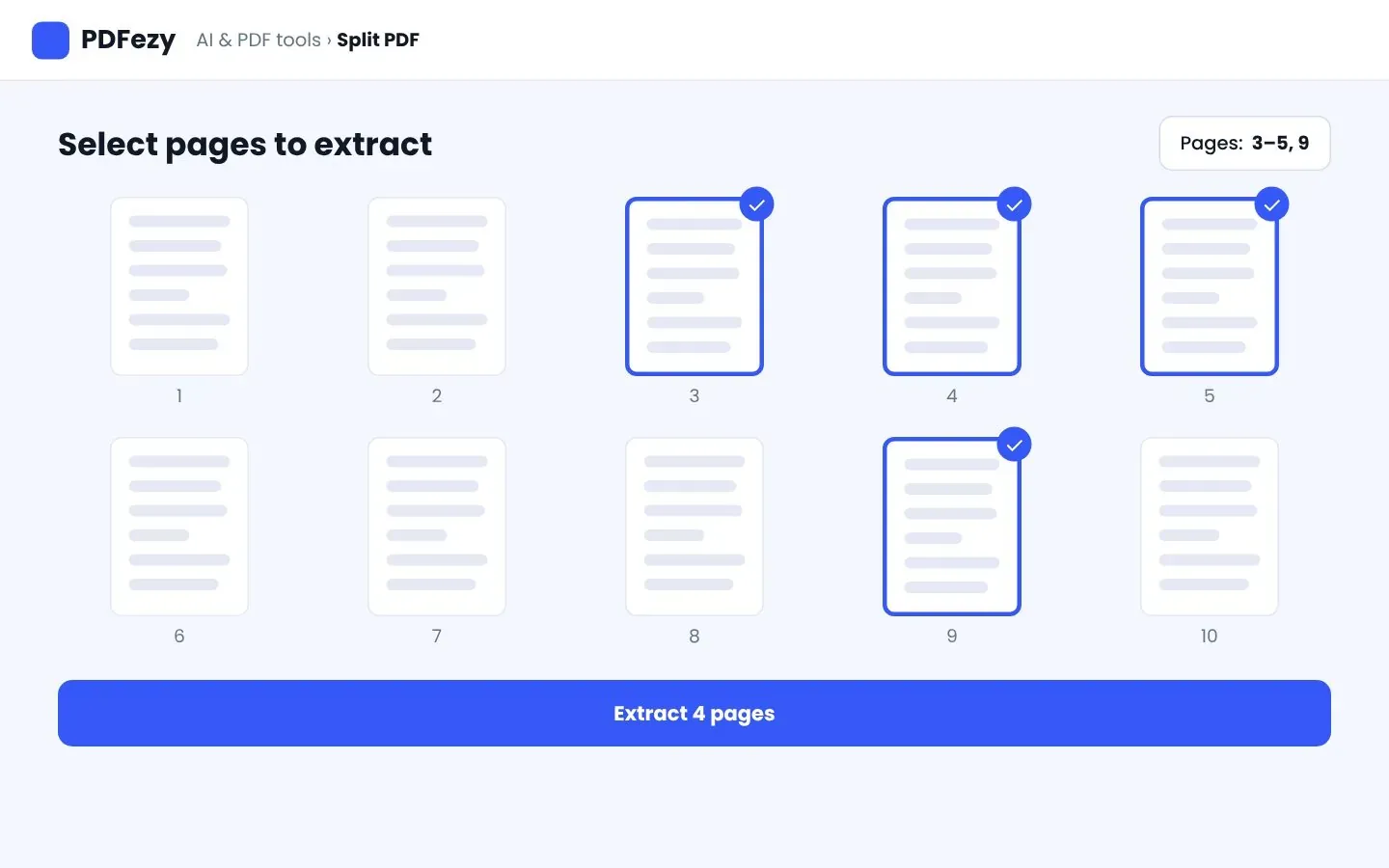
Upload the PDF to a split tool, choose the pages or ranges you want (for example 1–3 and 8–10), and download the new files. On PDFezy, open Split PDF, pick your pages and split. It's free, with no sign-up.
Why you'd split a PDF
- Sending only the relevant pages of a long contract or report.
- Getting a large file under an upload limit by breaking it into parts.
- Separating a scanned stack of documents into individual files.
- Pulling one chapter out of a book or manual.
Method 1: Split a PDF online with PDFezy
- Open Split PDF and upload your file.
- Choose the pages or page ranges you want.
- Enter your ranges, for example
1-3, 8-10. - Split and download your new file or files.
How PDFezy compares with other online PDF splitters
| Tool | Free use | Good to know |
|---|---|---|
| PDFezy | Free, no sign-up needed | Up to 100 MB per upload |
| Smallpdf | Free plan with a small daily task limit | Pro removes the limits |
| iLovePDF | Free plan with limited document processing | Premium adds unlimited processing |
| PDF24 Tools | Free with no usage limits, no sign-up (ad-supported) | Also offers a free Windows app |
| Sejda | Free with page and hourly limits, no sign-up | Many split options, such as every X pages |
For a one-off split, any of these works. For long files or frequent use, check the free page and task limits first.
Splitting vs deleting pages
If you want to keep one file but remove some pages, use Delete Pages instead. Split when you need separate files.
Tips for choosing page ranges
- Check the page numbers in your PDF reader, not the numbers printed on the pages. They often differ because of covers and front matter.
- Use commas for separate ranges and hyphens for continuous ones:
1-3, 5, 9-12. - Rename the new files clearly so you know which is which.
Frequently asked questions
Will splitting reduce quality?
No. Pages are copied as they are.
Can I split a PDF by file size?
Split by page ranges and check each file's size. If a part is still too big, run it through Compress PDF.
How do I put split files back together?
Use Merge PDF.
Can I split a scanned PDF?
Yes. Scanned pages split like any other.