
On this page
The workflow in short
Upload the PDF to an AI audio overview tool, choose a style and length, and listen. PDFezy's PDF to Audio writes a script using only what your document says, then reads it with one narrator or two hosts in about 2, 5 or 10 minutes. Listen with a live transcript or download the MP3.
Built for
Busy professionalsTools in this workflow
An overview, not a read-aloud
This isn't text-to-speech of every word. An audio overview is a short spoken briefing written from your document, like a colleague summarizing it for you. That's what makes a 60-page report fit into a 5-minute listen. If you need every word read out, use a read-aloud tool instead.
How to make one with PDFezy
- Open PDF to Audio and upload your PDF (up to 100 MB).
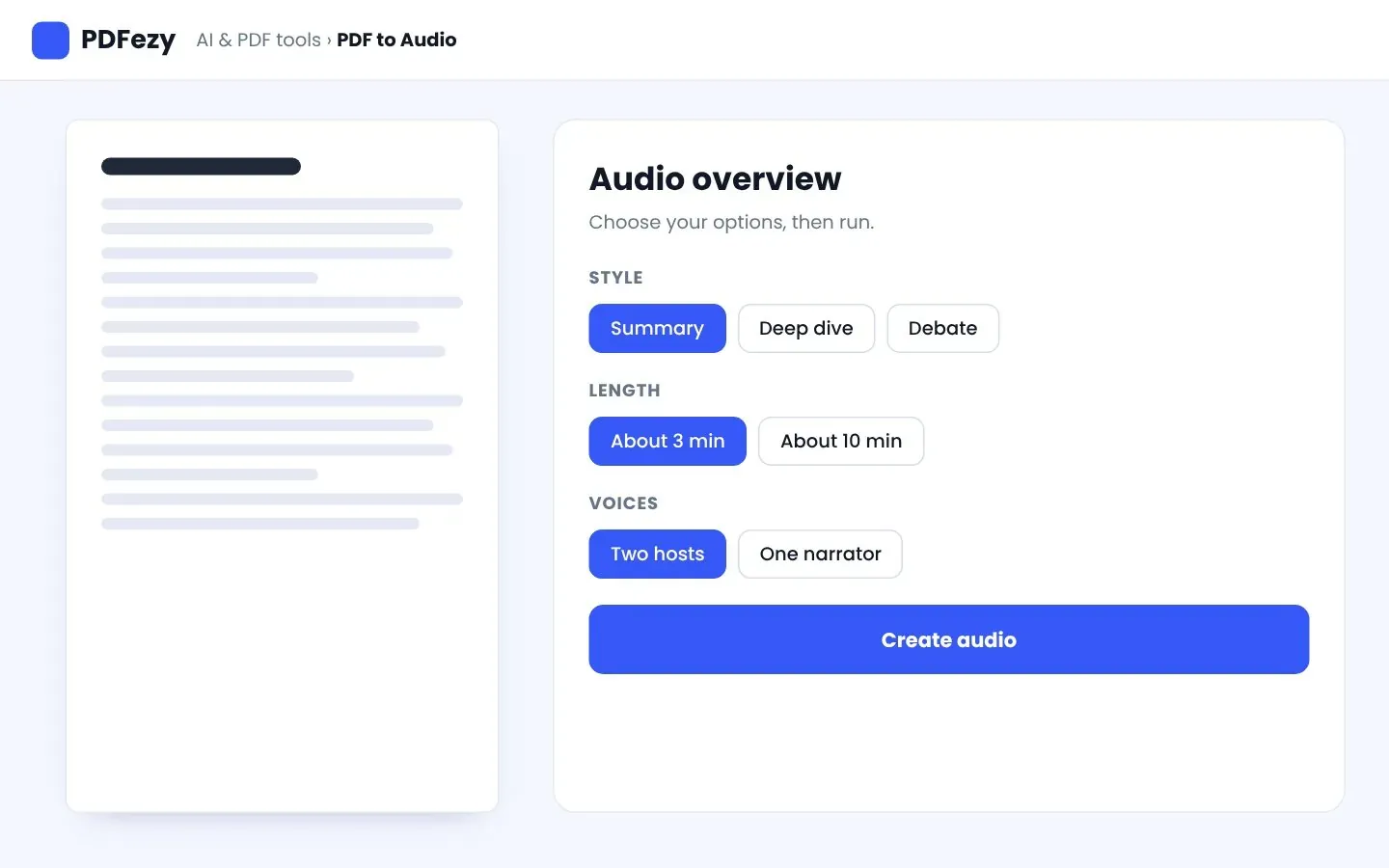
- The AI writes a script from your document and records it. It starts as a 5-minute summary read by two hosts.
- To change it, open Settings next to the player and pick a style (Summary, Highlights or Deep dive), a length (about 2, 5 or 10 minutes) and voices (one narrator or two hosts).
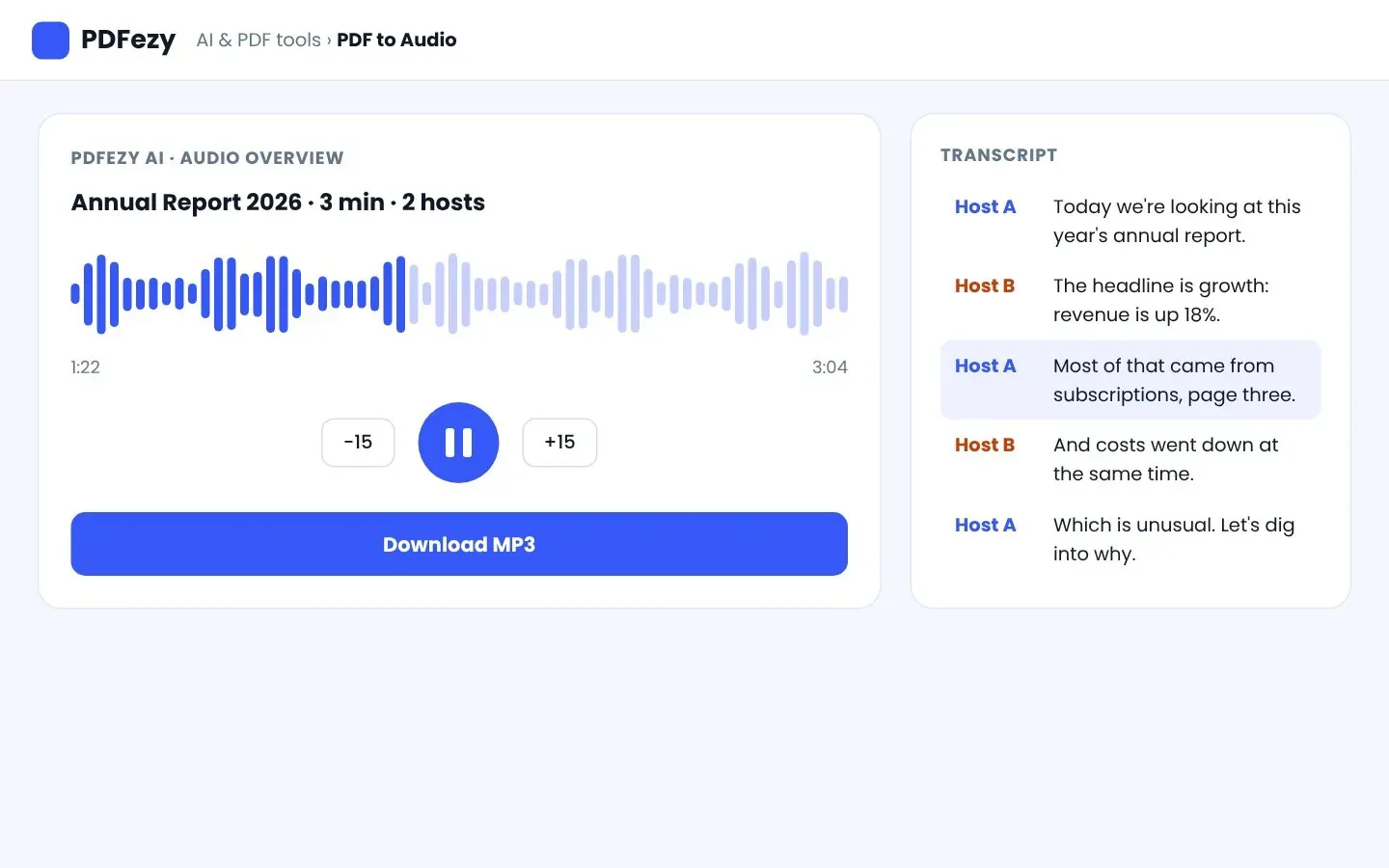
- Listen with the transcript, jump by chapter (each linked to the pages it covers), or download the MP3.
Which settings for which document?
| Document | Style | Length | Voices |
|---|---|---|---|
| Annual or market report before a meeting | Highlights | ~5 min | 1 narrator |
| Research paper | Deep dive | ~10 min | 2 hosts |
| Policy or handbook update | Summary | ~2 min | 1 narrator |
| Textbook chapter for revision | Deep dive | ~10 min | 2 hosts |
| Long article to decide whether to read | Summary | ~2 min | 1 narrator |
Why two hosts?
A two-host conversation feels like a podcast: one host asks, the other explains. Many people find it easier to follow for long or technical material than a single voice. For short briefings, one narrator is faster.
Can you trust what you hear?
The script uses only what your document says, and each chapter links to the pages it covers, so you can open the source for anything important. As with any AI summary, check numbers and conditions before you act on them. For a written version with page links on every point, use Summarize PDF.
Ideas for using audio overviews
- Commute briefings: turn this week's reports into MP3s and listen on the way in.
- Team updates: listen to a 2-minute overview of a policy change before the meeting.
- Study: listen to a chapter overview, then test yourself with Quiz & Flashcards.
- Accessibility: an easier way into long documents for people who find reading them hard.
Frequently asked questions
What language will it speak?
Your document's language by default; you can pick another in Settings.
How many can I make for free?
One audio overview a day.
How long can the PDF be?
Free use covers the first 50 pages; longer files are read in parts first.