
On this page
Quick answer
Upload the PDF to a signing tool, add your signature, place it on the signature line, and download the signed file. On PDFezy, open Sign PDF. It's free, with no printing, scanning or sign-up needed.
How to sign a PDF with PDFezy
- Open Sign PDF and upload your document.
- Create your signature.
- Place it on the signature line and resize it.
- Download the signed PDF.
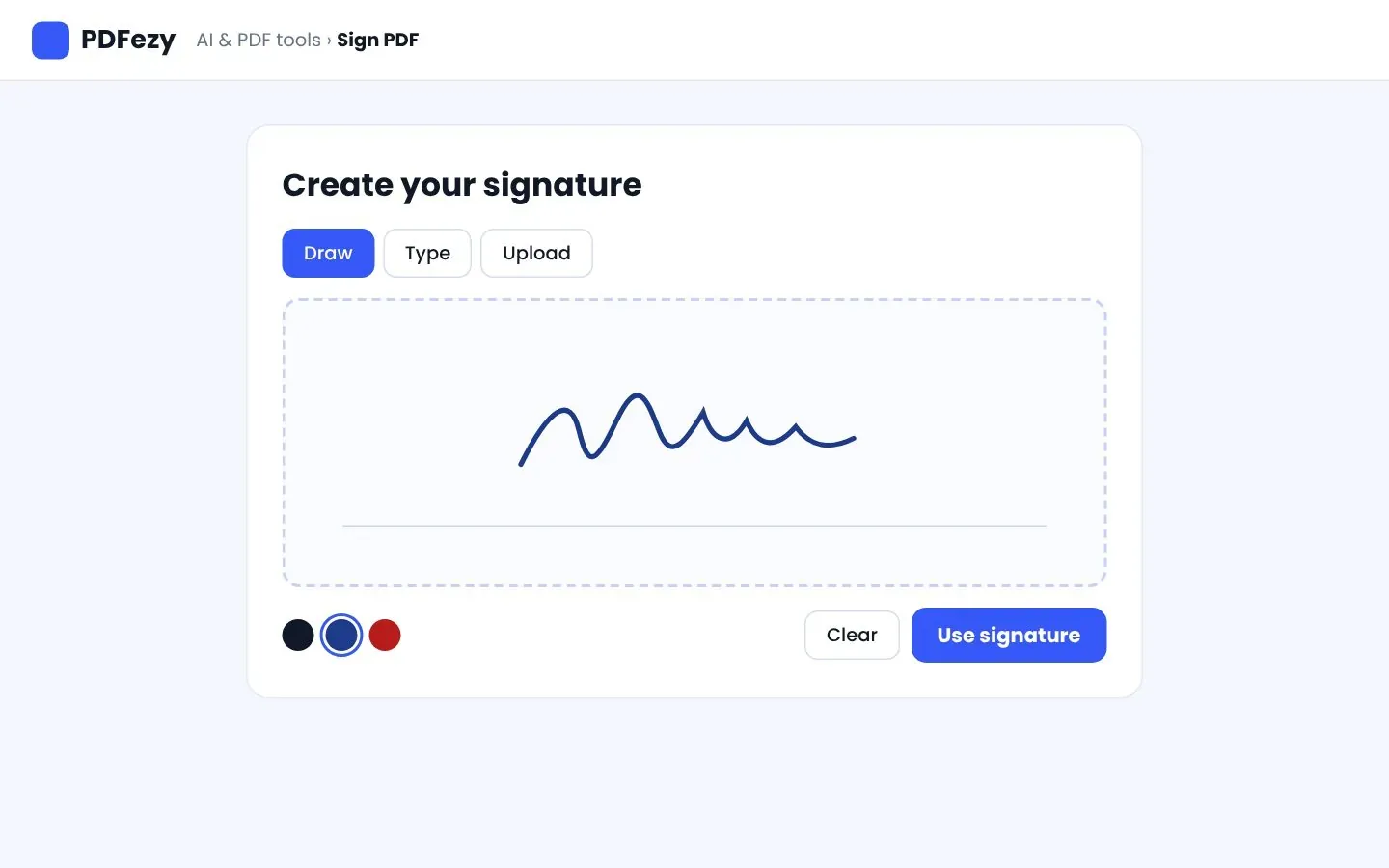
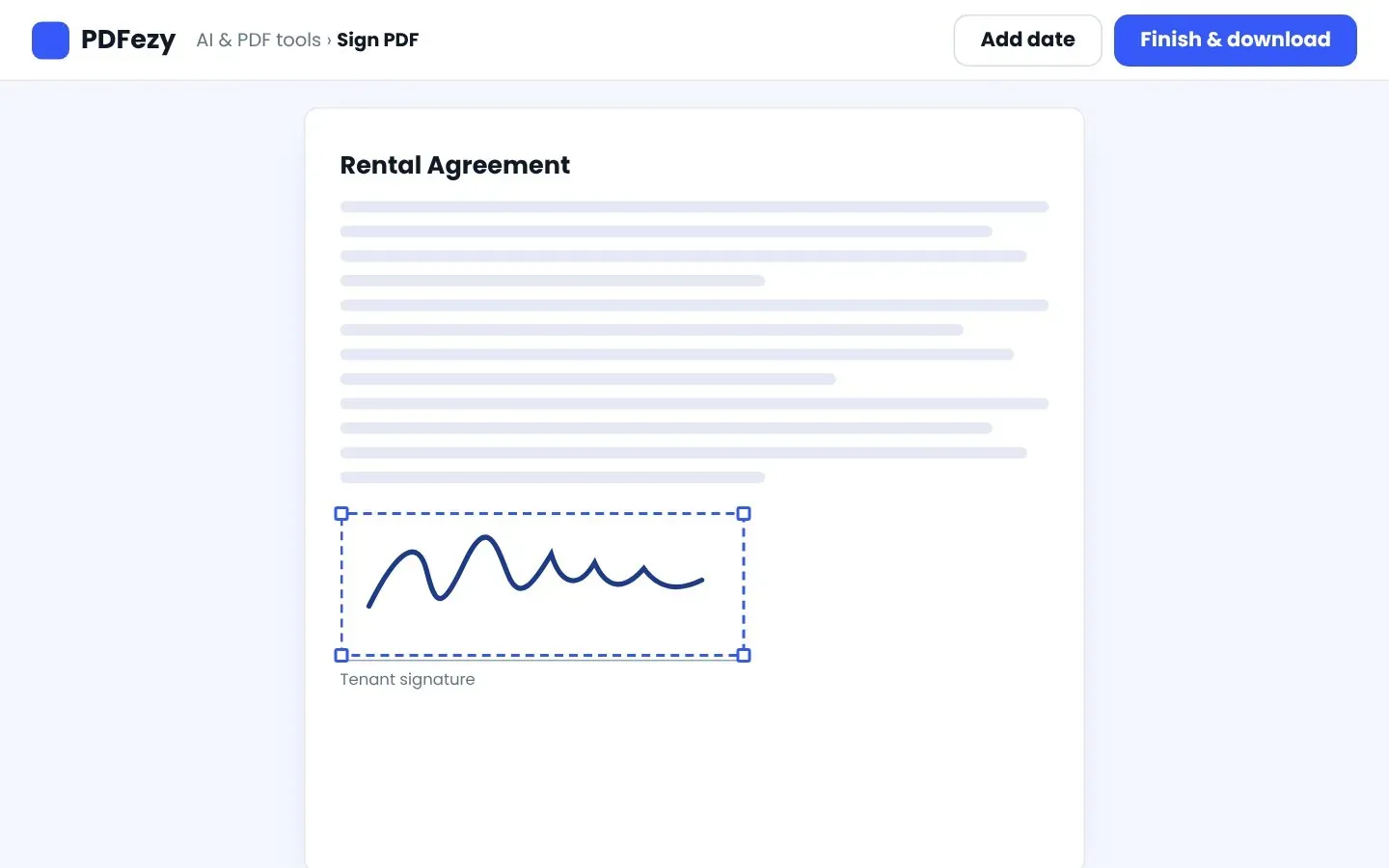
Tip: On a phone or tablet, drawing with your finger gives the most natural signature.
Other online tools for signing PDFs
Smallpdf, iLovePDF and Adobe Acrobat Online also let you sign a PDF in your browser. Adobe lets you fill and sign for free once you sign in with a free Adobe account. Smallpdf and iLovePDF include signing on their free plans, with limits on how much you can do before you need to upgrade. PDFezy's Sign PDF is free without signing up.
Electronic signature vs digital signature
| Electronic signature | Digital signature | |
|---|---|---|
| What it is | An image or typed name placed on the document | A cryptographic certificate attached to the file |
| Proves | That you intended to sign | Who signed, and that the file hasn't changed since |
| Good for | Most everyday forms, leases, offer letters | Regulated, high-value or official documents |
Placing your signature on a PDF with a tool like PDFezy creates an electronic signature.
Is an electronic signature legally valid?
In many countries, yes, for most agreements. For example, the US ESIGN Act and the EU's eIDAS regulation recognise electronic signatures. Some documents, such as certain wills, property deeds and court filings, may need a handwritten, witnessed or certified digital signature. Check what the person or organisation asking for the signature accepts. This isn't legal advice.
Tips for signing safely
- Read the whole document first. Use Chat with PDF to ask about anything unclear.
- Check what changed if you got a revised version, with Compare PDF.
- Keep a copy of exactly what you signed.
- Send a PDF, not an editable file, so the signature stays where you put it.
Frequently asked questions
Do I need to print a PDF to sign it?
No. You can sign it on screen and send it back.
Can I sign on my phone?
Yes. Open the signing tool in your phone's browser and draw with your finger.
What happens to my file after signing?
Like every file on PDFezy, it's deleted after 2 hours for guests and after 48 hours for signed-in users.