
On this page
Quick answer
Upload the PDF to a protect tool, set an open password, and download the encrypted file. Anyone opening it will need the password. Send the password separately from the file, by text or phone, never in the same email. If the person shouldn't see some details at all, redact them instead of relying on a password.
Two kinds of PDF password
| Type | What it does | How strong it is |
|---|---|---|
| Open password (user password) | The file can't be opened without it | Strong, if the password is long and the file uses modern encryption (AES-256) |
| Permissions password (owner password) | The file opens, but printing, copying or editing is restricted | Weak; many programs ignore or remove these restrictions |
For anything confidential, use an open password. Treat permission restrictions as a polite request, not security.
How to password protect a PDF with PDFezy
- Open Protect PDF and upload your file.
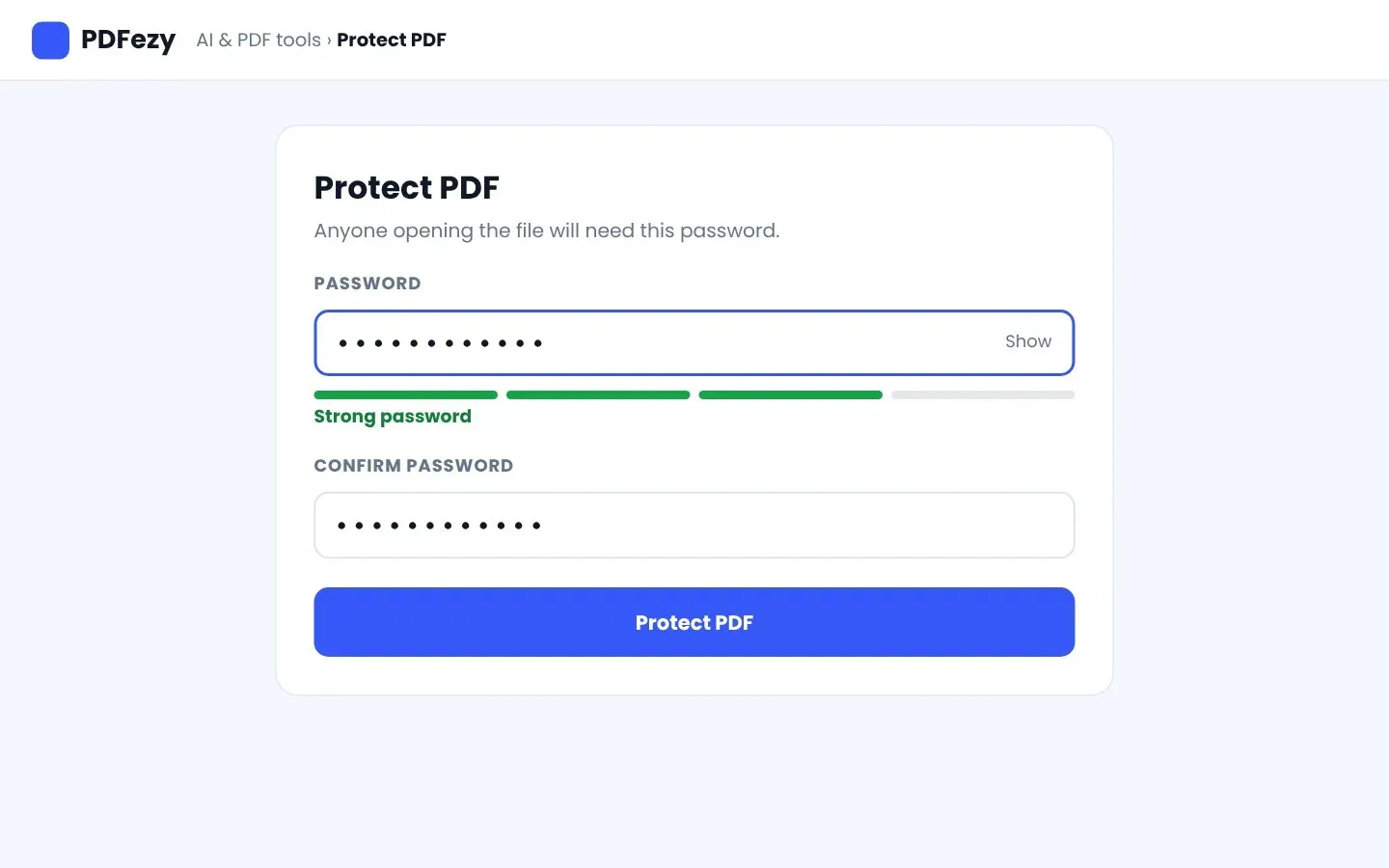
- Enter a password and confirm it.
- Download the protected PDF.
- Test it: open the file and check it asks for the password.
Other online tools that add a password
Smallpdf, iLovePDF, PDF24 Tools and Sejda all have an online protect tool, and Adobe Acrobat Online offers one too. PDF24 is free without usage limits; Smallpdf, iLovePDF and Sejda limit free use per day or per hour, and Adobe allows one free task without signing in. Whichever you use, choose a long password and check the protected file opens only with it.
How to choose and share the password
- Use at least 12 characters, ideally a few random words. Short passwords on PDFs can be guessed by cracking tools.
- Don't reuse your email or bank password.
- Send it separately. File by email, password by text message or a phone call.
- Agree on a pattern for regular senders (for example, a reference number they already know) only if it's not guessable.
When you shouldn't rely on a password
- The recipient shouldn't see some information. A password protects the whole file from outsiders, not parts of it from the recipient. Remove those parts with AI PDF Redaction.
- You're publishing the file. Once someone has the password, they can share an unlocked copy.
- You might lose the password. There's no recovery for a strong open password. Keep an unprotected original somewhere safe.
- The file goes into another system (an archive, a portal, an AI tool) that needs to read it. Many can't open protected PDFs.
Frequently asked questions
Can a password-protected PDF be cracked?
A strong password with AES-256 is very hard to crack; a short one is not.
Can I remove the password later?
Yes, if you know it. Use Unlock PDF to save a copy without the password.
Does a password stop screenshots?
No. Anyone who can open the file can photograph or screenshot it.