
On this page
In short
A scanned PDF is a picture of each page, so there's no text to search. OCR (optical character recognition) reads the words in those pictures and adds real text to the file. Upload your scan to PDF OCR, run it, and download a PDF you can search, select and copy from.
What you'll learn
How to tell if your PDF is scanned
Open it and try to select a word. If you can't highlight individual words, or Ctrl+F (Cmd+F) finds nothing you can see on the page, it's an image-only scan. Phone scanning apps, office copiers and faxes usually produce this kind of PDF.
What OCR does
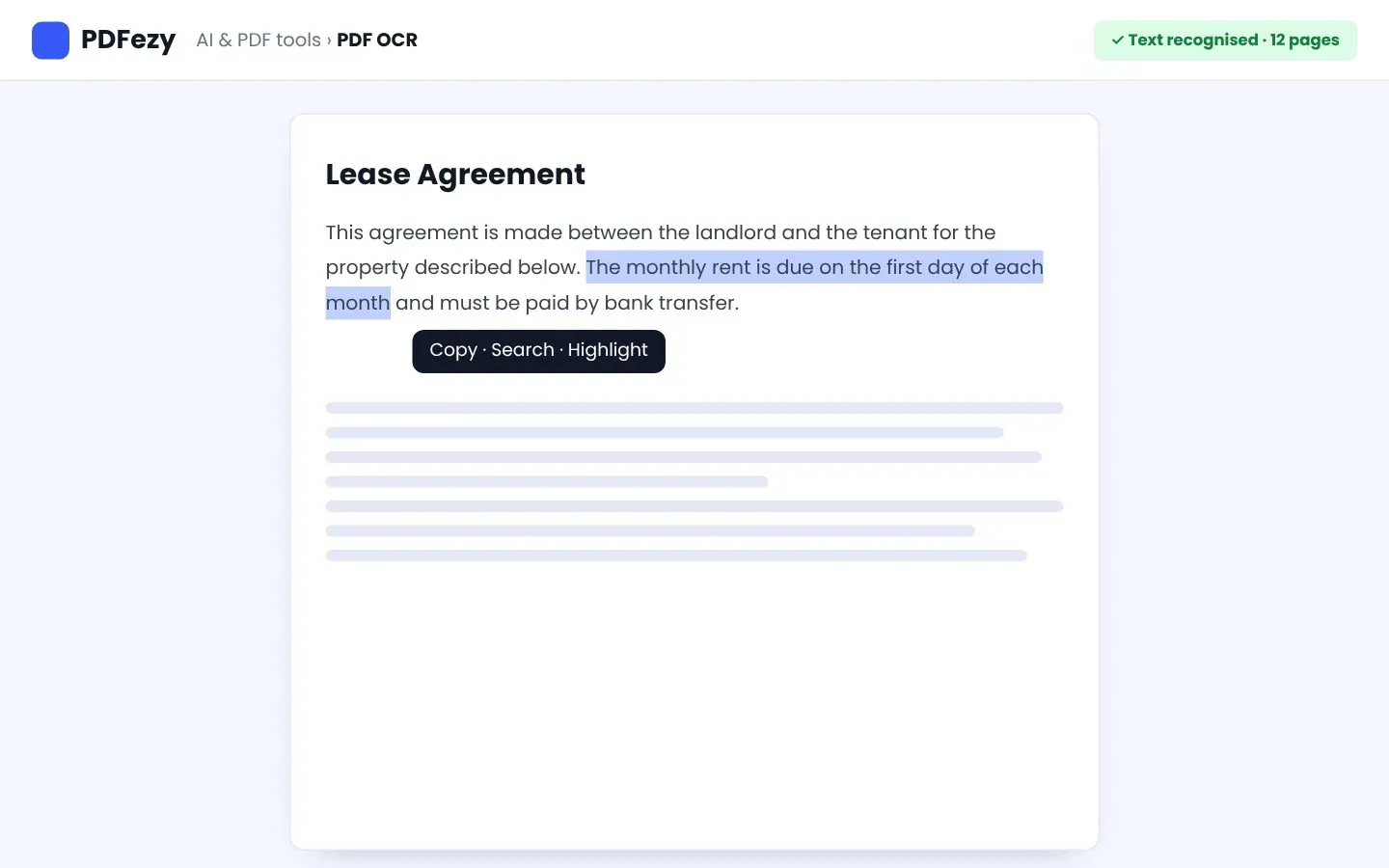
OCR looks at each page image, recognises the letters and words, and places an invisible text layer behind the image in the right positions. The page still looks the same, but now you can:
- Search for words with Ctrl+F.
- Select and copy text.
- Have screen readers read it aloud.
- Convert it to Word or Excel and get editable text.
- Use AI tools to summarize it or answer questions about it.
How to run OCR with PDFezy
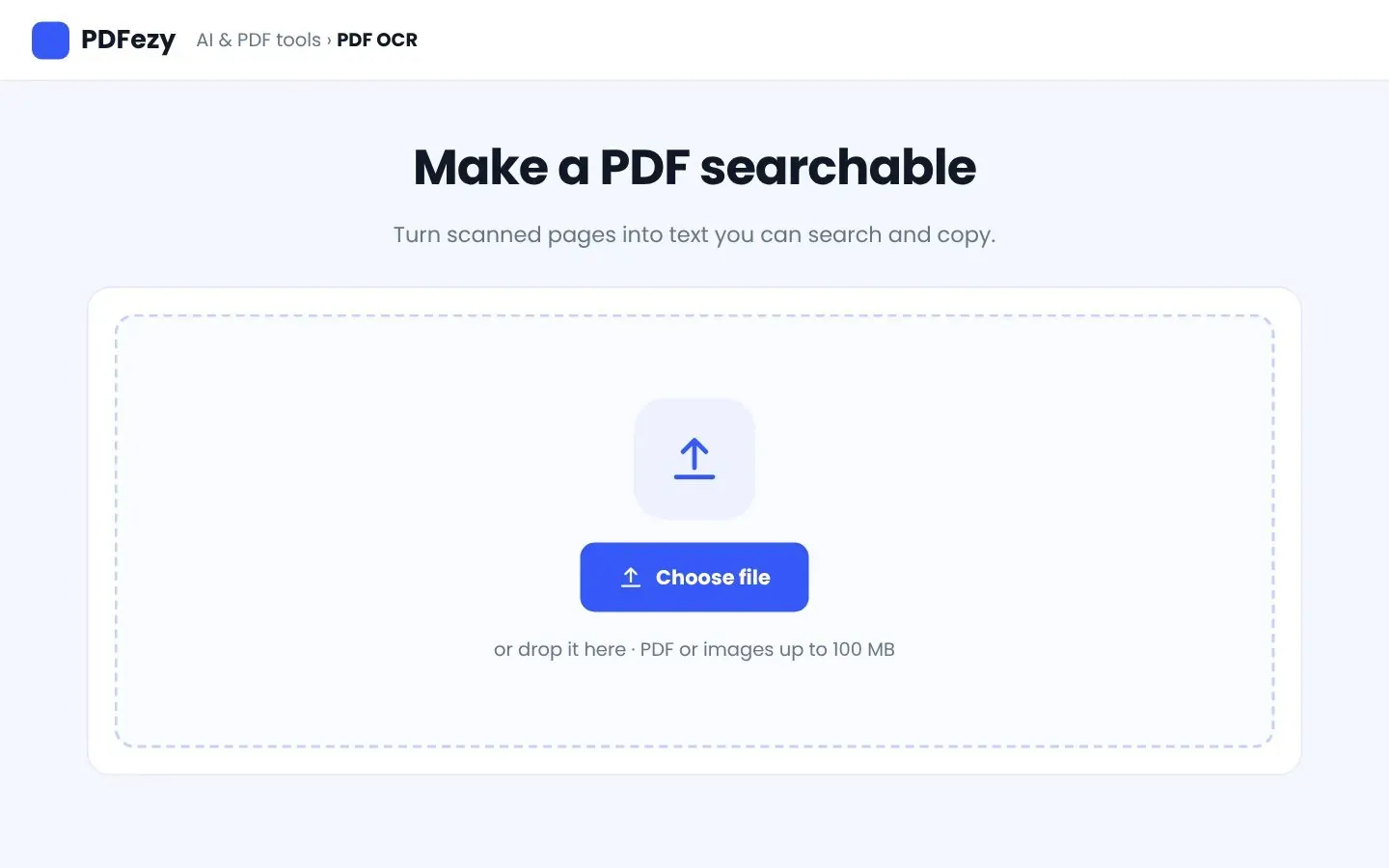
- Open PDF OCR.
- Upload your scanned PDF.
- Run OCR and download the searchable PDF.
- Test it: press Ctrl+F and search for a word on the page.
How to get better OCR results
- Scan at 300 DPI. Lower can blur small text; higher makes big files without helping much.
- Keep pages straight. Rotate sideways pages first with Rotate PDF.
- Good contrast. Black text on white paper reads best. Faded or coloured paper causes errors.
- Pick the right language. OCR uses language rules to recognise words.
- Check numbers. OCR can confuse 0 and O, 1 and l, or 5 and S. Proofread amounts and dates.
What OCR can't do well
Handwriting, very small print, stamps over text and heavily damaged pages often come out with errors. Tables may be recognised as text but lose their columns; for those, try AI Data Extraction, which pulls tables and line items into Excel.
Do you always need a separate OCR step?
Not with every tool. PDFezy's AI tools, including Summarize PDF, Chat with PDF and Translate PDF, run OCR automatically on scanned pages. Use PDF OCR when you want the searchable PDF itself.
Frequently asked questions
Is OCR free on PDFezy?
Yes. PDF OCR is free to use without signing up.
Will OCR change how my PDF looks?
No. The text layer is invisible; the page image stays the same.
Can OCR read handwriting?
Neat print sometimes; cursive rarely. Expect to check it carefully.
Can I turn a scanned PDF into Word?
Yes. Run OCR first, then use PDF to Word.