
On this page
Quick answer
Use a dedicated PDF to Word converter, which rebuilds paragraphs, tables and images as editable Word content. Upload the PDF to PDFezy's PDF to Word, download the .docx, and check the tables and page breaks. If the PDF is a scan, run OCR first so there's real text to convert.
Why formatting breaks when you convert a PDF
A PDF records exactly where each piece of text and each image sits on the page. It doesn't store "this is a paragraph" or "this is a table" the way Word does. A converter has to work that out, and it can guess wrong when:
- The layout is complex. Multiple columns, text boxes, sidebars and overlapping images are hard to rebuild.
- Tables have no lines. Without borders, a converter may not see where columns start and end.
- The PDF is a scan. A scanned page is a picture, so there's no text to convert until OCR reads it.
- Fonts aren't on your computer. Word swaps in a different font, which changes line breaks and spacing.
Method 1: Use an online PDF to Word converter
- Open PDF to Word on PDFezy.
- Upload your PDF.
- Choose DOCX (to edit in Word or Google Docs) or DOC (the older Word format), rename the file if you like, and download it.
- Open it in Word and check tables, headers and page breaks.
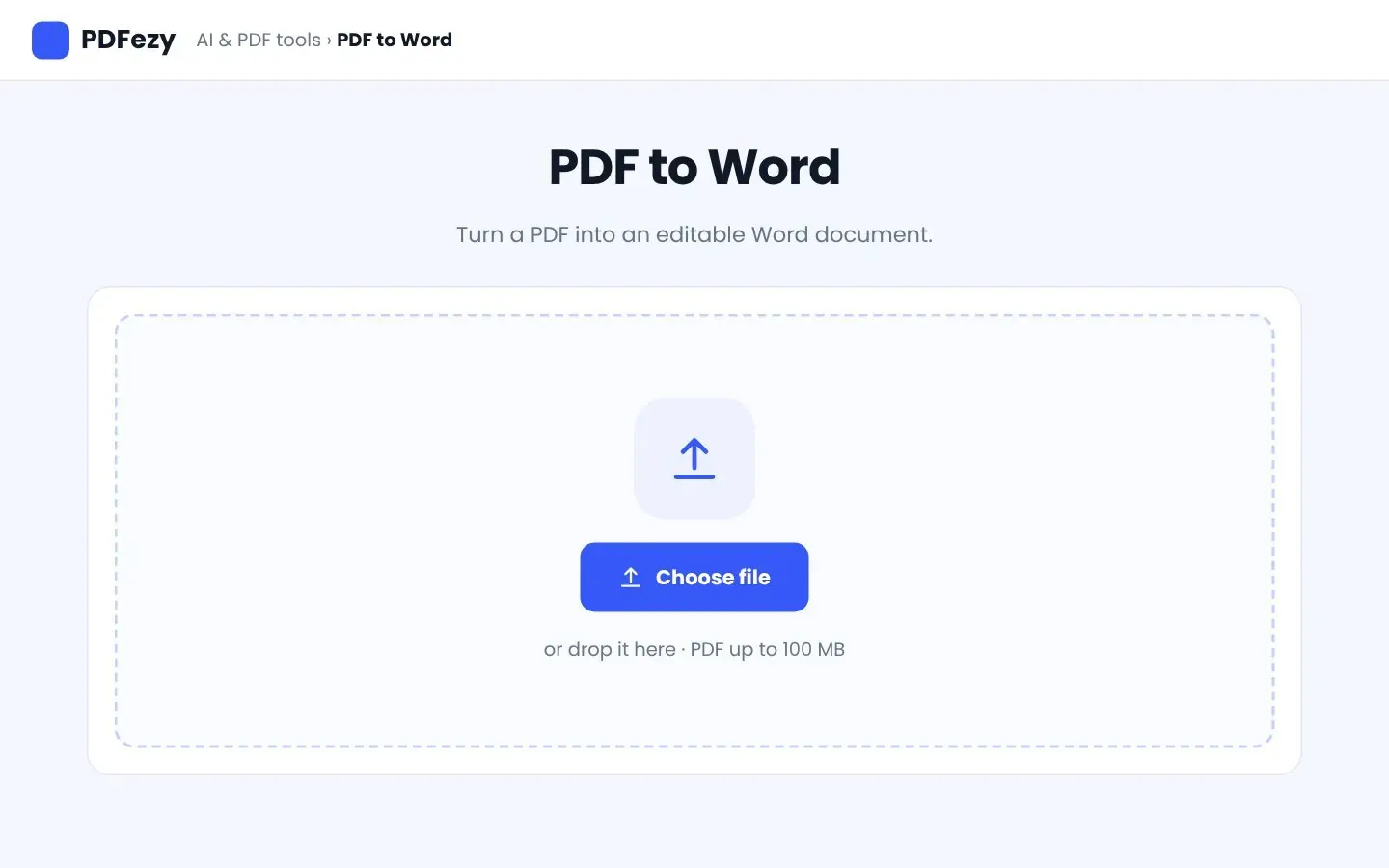
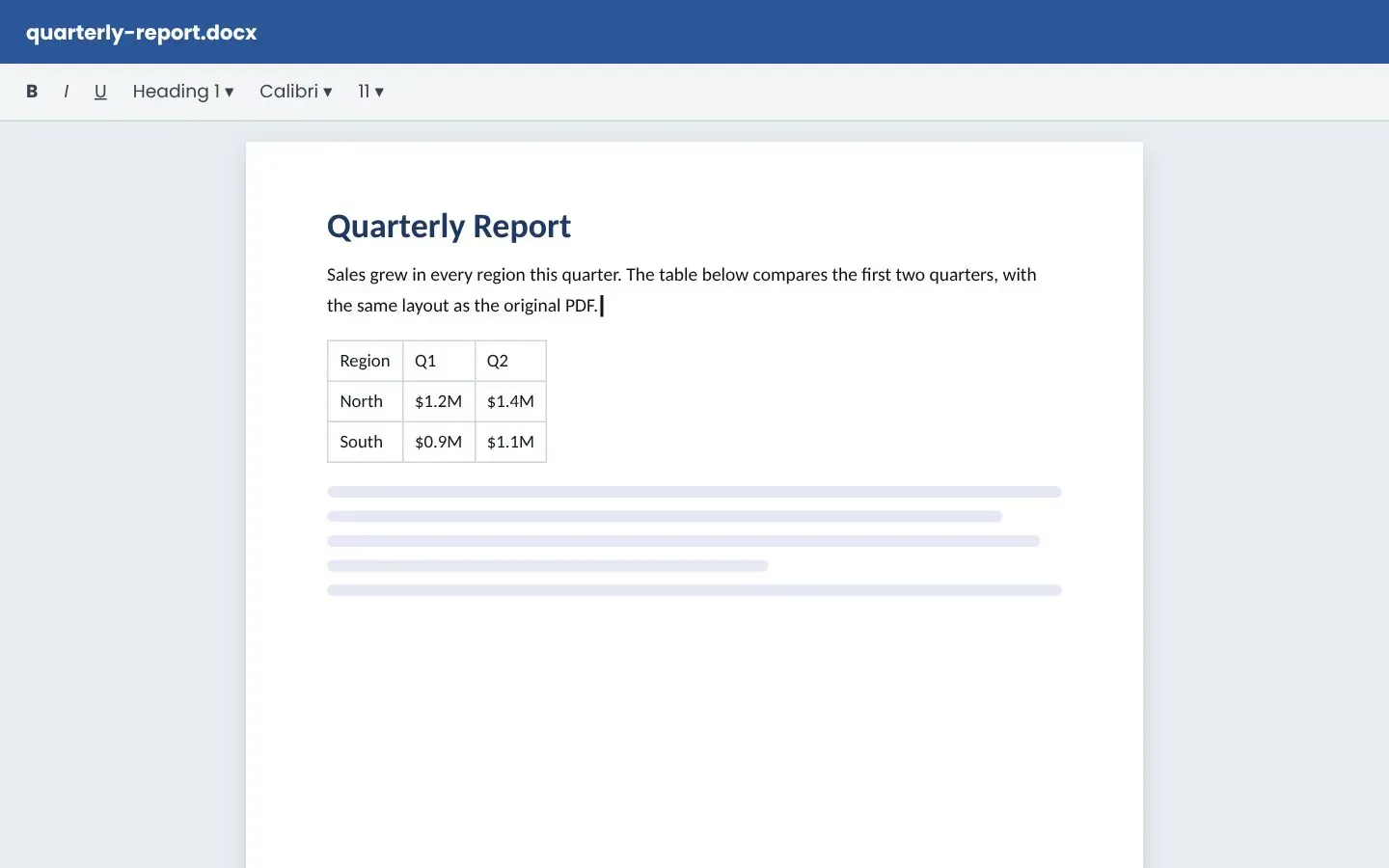
This works on any device and gives the best result for most business documents.
How PDFezy compares with other PDF to Word converters
| Tool | Free use | Good to know |
|---|---|---|
| PDFezy | Free, no sign-up needed | DOCX or DOC, plus Excel, PowerPoint, JPG and more from the same screen |
| Smallpdf | Free plan with a small daily task limit | Pro removes the limits |
| iLovePDF | Free plan with limited document processing | OCR for scanned files is a Premium feature |
| PDF24 Tools | Free with no usage limits, no sign-up (ad-supported) | Also offers a free Windows app |
| Adobe Acrobat Online | One free task without signing in | More conversions need an Adobe account or a paid plan |
All of them handle simple text documents well. The difference shows on complex layouts, so open the result and check tables and page breaks whichever tool you use.
How to fix common problems after converting
- Table looks wrong. If the cells came out as separate text boxes, try converting just the table to Excel with PDF to Excel, then paste it back into Word.
- Fonts changed. Install the original font if you have it, or select all and apply one font for a clean look.
- Odd page breaks. Turn on formatting marks (the ¶ button in Word) and delete stray section and page breaks.
- Text is in boxes. Copy the text out of each box and paste it as plain text into the main body.
- Nothing is editable. The PDF is probably a scan. Run OCR first.
Frequently asked questions
Is converting PDF to Word free?
Yes. PDFezy's PDF to Word is free without signing up, with nothing to install.
Can I convert a scanned PDF to Word?
Yes, after OCR turns the page images into text.
Will the converted file look exactly like the PDF?
Simple documents come very close. Complex layouts may need a few minutes of tidying.
How do I convert Word back to PDF?
Use Word to PDF, or choose Save As → PDF in Word.