
On this page
In short
Markdown keeps a document's structure (headings, lists and tables) in plain text that AI models understand well, without the page clutter raw PDF text carries. Convert your PDF with PDF to Markdown, turn on header and footer removal, and paste the result into ChatGPT, Claude or Gemini, or load it into your own AI pipeline. It's always free.
What you'll learn
What goes wrong when AI reads a raw PDF
When text is pulled straight out of a PDF, it often comes with:
- Repeated headers, footers and page numbers in the middle of sentences.
- Tables flattened into lines of numbers with no columns.
- Lost structure: headings look the same as body text, so the AI can't tell sections apart.
- Broken reading order in multi-column layouts.
The AI can still try, but it spends effort on clutter and is more likely to misread tables or mix up sections.
What Markdown fixes
| PDF problem | In Markdown |
|---|---|
| Headings look like body text | # and ## mark each heading level |
| Tables flattened | Pipe tables keep rows and columns |
| Lists run together | - and 1. mark each item |
| Page clutter | Headers and footers removed |
This is why many retrieval (RAG) setups convert documents to Markdown before splitting them into chunks: clean sections split into more meaningful pieces.
How to convert a PDF to Markdown with PDFezy
- Open PDF to Markdown and upload your PDF, up to 100 MB.
- Choose your options: Markdown or HTML tables, include images, page breaks, and header and footer removal.
- Copy the Markdown, or download a .md file, or a .zip with an images folder.
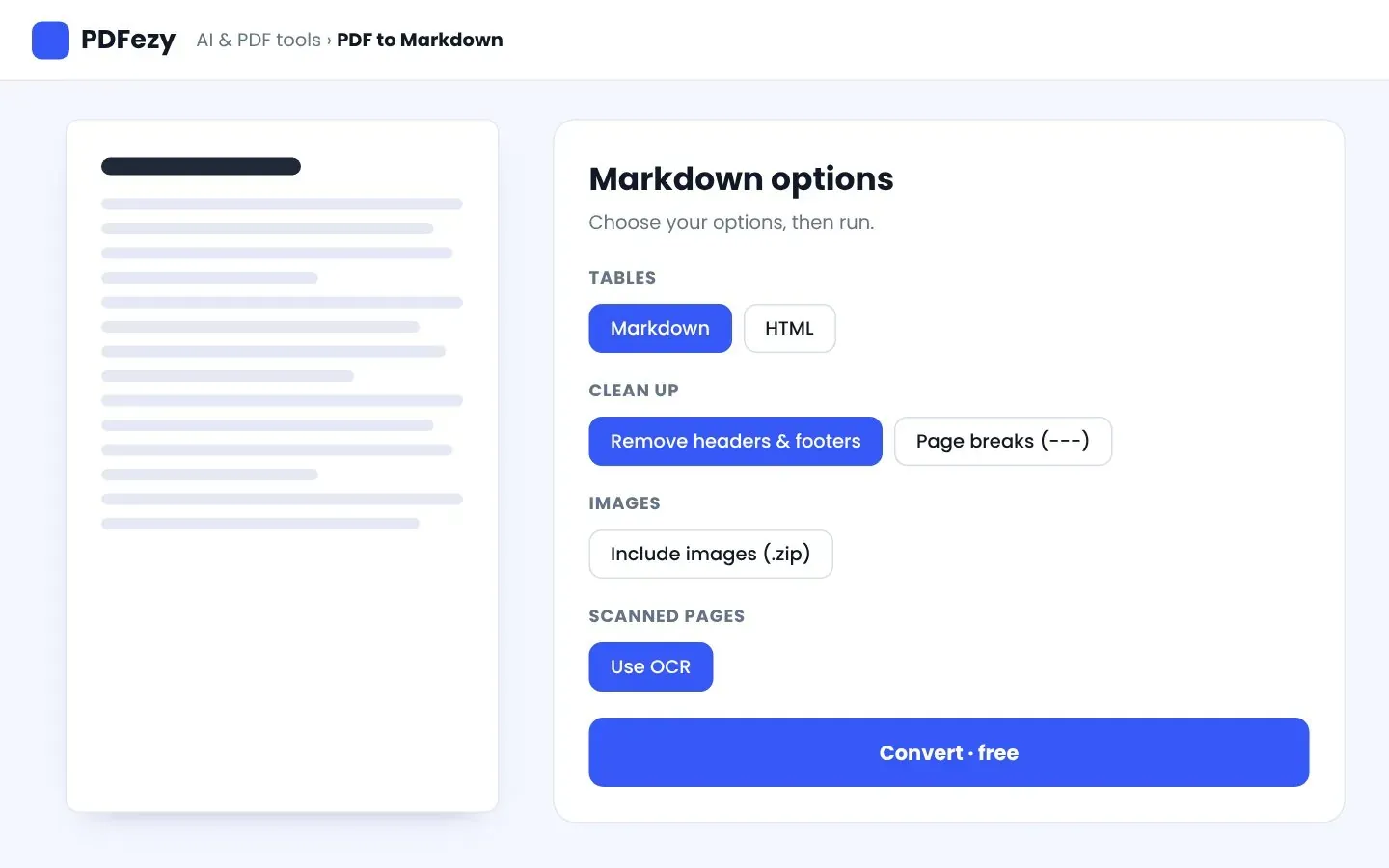
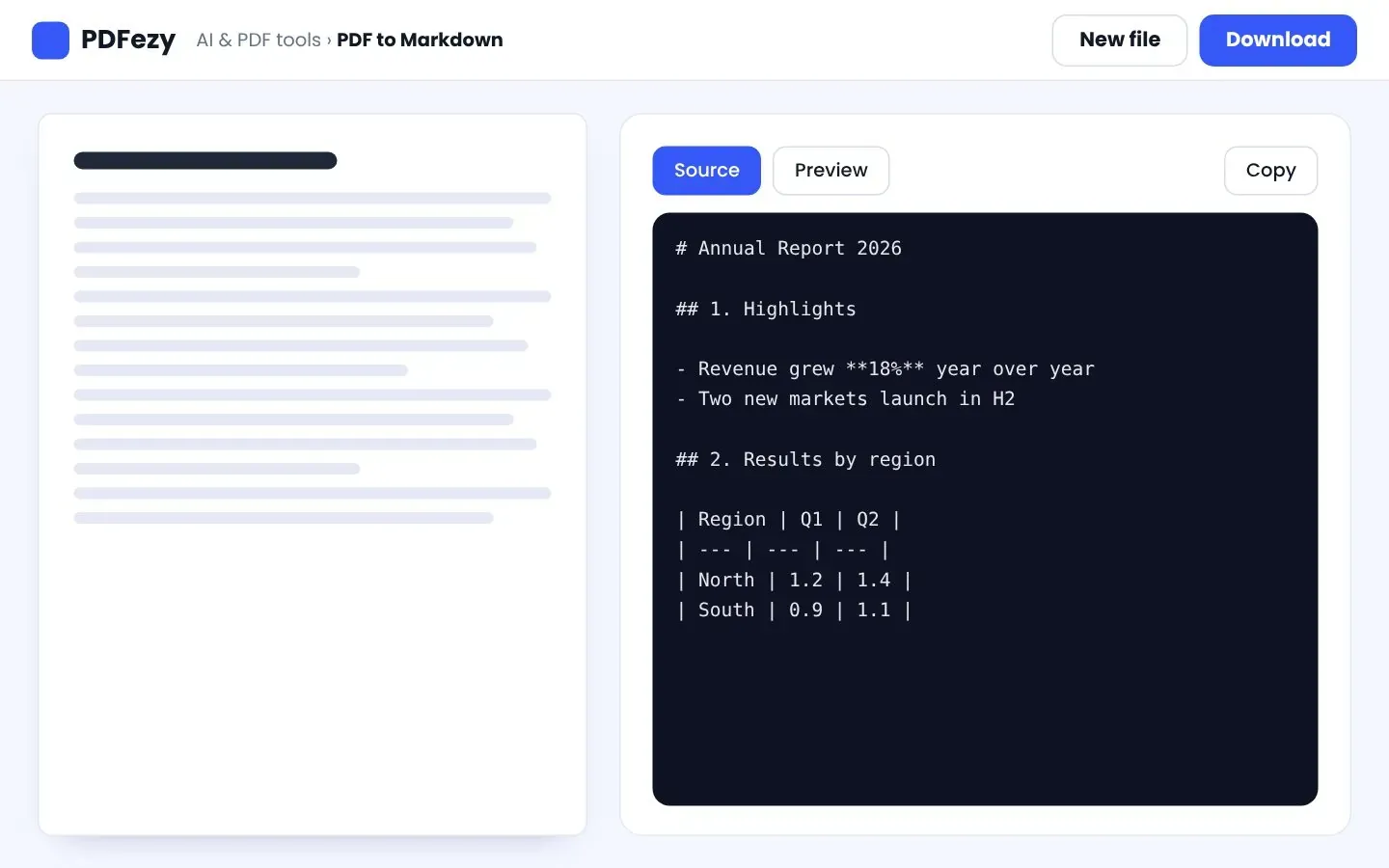
Tables that run over a page break are joined back into one, and scanned pages are read with OCR.
Tips for using Markdown with AI
- Turn on header and footer removal for cleaner text.
- Use HTML tables for complex tables with merged cells; most AI models read HTML tables well.
- Split very long documents by heading and send the relevant sections.
- Keep page breaks on if you want the AI to cite page numbers.
Other uses for PDF to Markdown
- Notes in Obsidian or Notion, with images linked from the .zip.
- GitHub READMEs, wikis and docs sites.
- Moving old PDF content into a CMS that accepts Markdown.
Don't want to paste into a chatbot?
Ask questions about the PDF directly with Chat with PDF, which answers only from your document with page citations.
Frequently asked questions
Is PDF to Markdown free?
Yes, always. It doesn't use your free AI credits.
Are tables kept?
Yes, as Markdown or HTML tables.
Can I keep the images?
Yes. Download the .zip with an images folder.
Does it work on scanned PDFs?
Yes, with built-in OCR.