
On this page
Quick answer
Upload the PDF to a rotate tool, turn the pages that are sideways or upside down, and download the new file. The rotation is saved in the PDF, so it opens the right way for everyone. On PDFezy, use Rotate PDF.
Why rotation "doesn't save"
Most PDF viewers, including browsers, have a rotate button that only changes your view. Close the file and it's sideways again, and anyone you send it to sees the original orientation. To fix it for good, the rotation has to be written into the file.
Method 1: Rotate PDF pages online with PDFezy
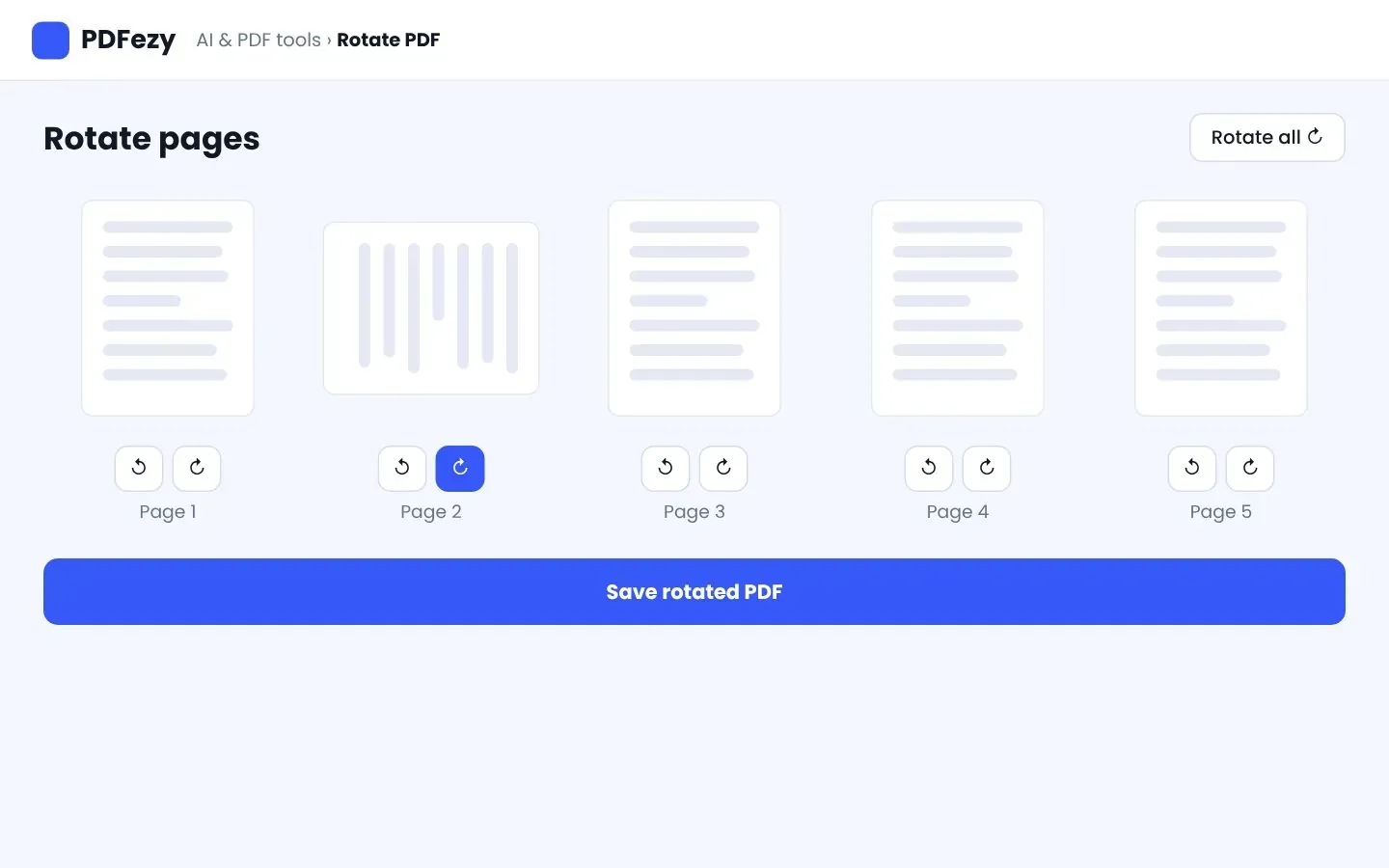
- Open Rotate PDF and upload your PDF.
- Rotate the pages that are sideways or upside down.
- Download the rotated PDF.
- Open it to check every page is upright.
Other online tools for rotating PDFs
Smallpdf, iLovePDF, PDF24 Tools, Sejda and Adobe Acrobat Online all rotate PDF pages and save the change. PDF24 is free without usage limits; Smallpdf, iLovePDF and Sejda limit free use per day or per hour, and Adobe allows one free task without signing in and caps its rotate tool at 100 pages. Like PDFezy, they all write the rotation into the file, unlike the rotate button in a PDF viewer.
Rotating scanned documents
Scanners and phone apps often save some pages sideways, especially when a document mixes portrait and landscape pages. Rotate them before you:
- Merge files with Merge PDF, so the combined file is consistent.
- Run PDF OCR, because OCR reads upright text best.
- Send the file to someone who'll print it.
Let PDFezy AI do it
With many pages, describe the job instead: in the AI PDF Assistant, type "Rotate all landscape pages and add page numbers". It shows you the plan, then runs it.
Frequently asked questions
Does rotating change the quality?
No. Pages are turned, not re-saved as images.
Why does my PDF print sideways even after rotating?
Check your printer's orientation setting; some printers auto-rotate pages.