
Forms Library
Find, fill out and download official US tax, employment and immigration forms. Free, with no sign-up.
Popular Topics:
All Forms
25 forms
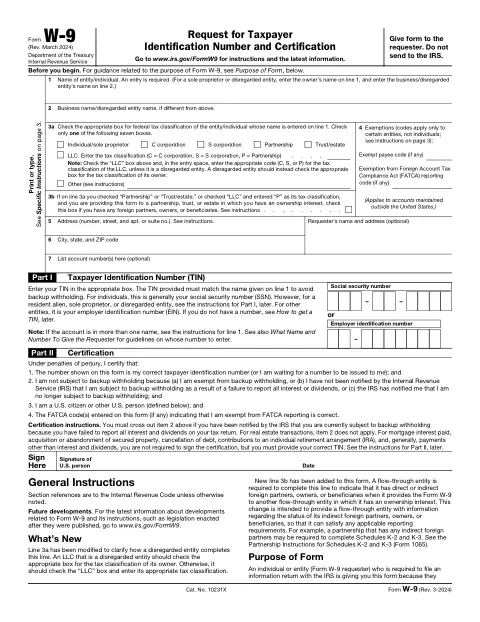 View formEmploymentContractorsForm W-9Request for Taxpayer Identification Number and Certification
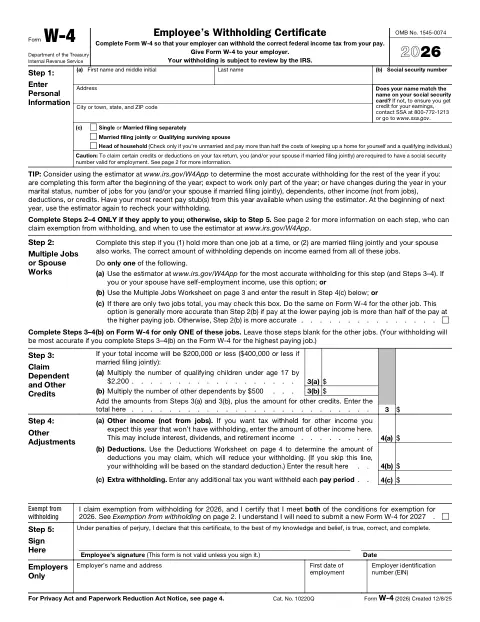 View formEmploymentHiringForm W-4Employee's Withholding Certificate
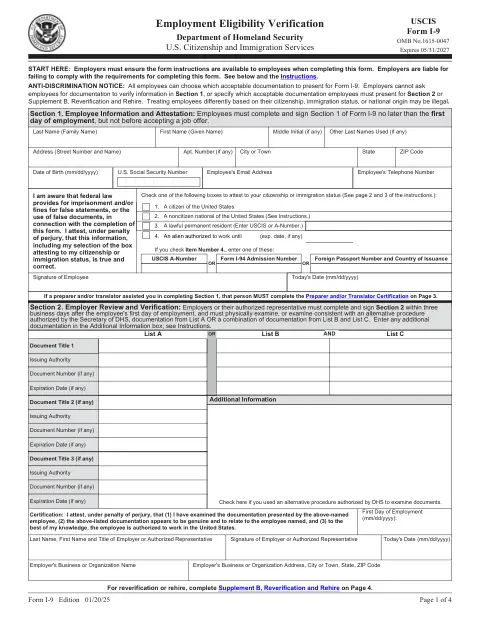 View formEmploymentHiringForm I-9Employment Eligibility Verification
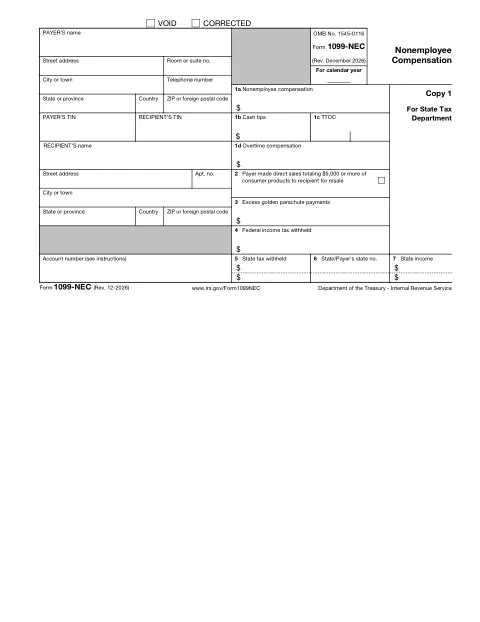 View formEmploymentContractorsForm 1099-NECNonemployee Compensation
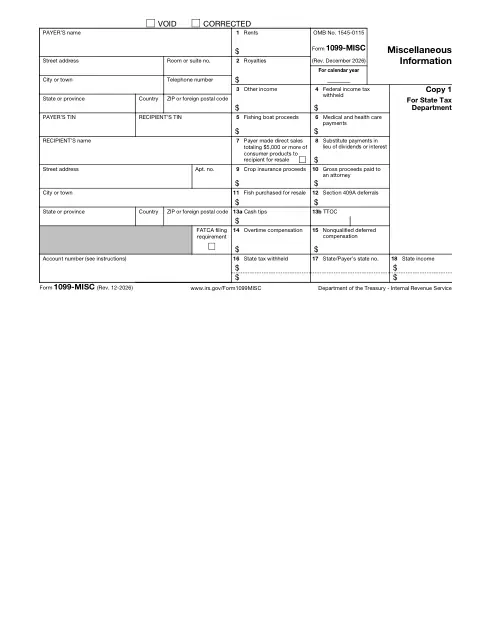 View formEmploymentContractorsForm 1099-MISCMiscellaneous Information
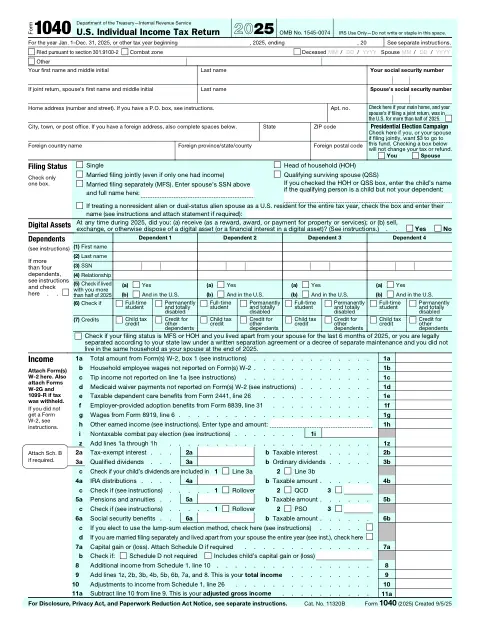 View formTax & IRSIncome TaxForm 1040U.S. Individual Income Tax Return
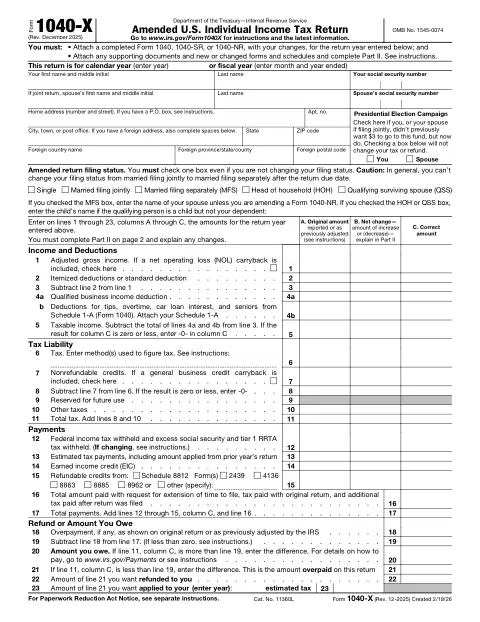 View formTax & IRSIncome TaxForm 1040-XAmended U.S. Individual Income Tax Return
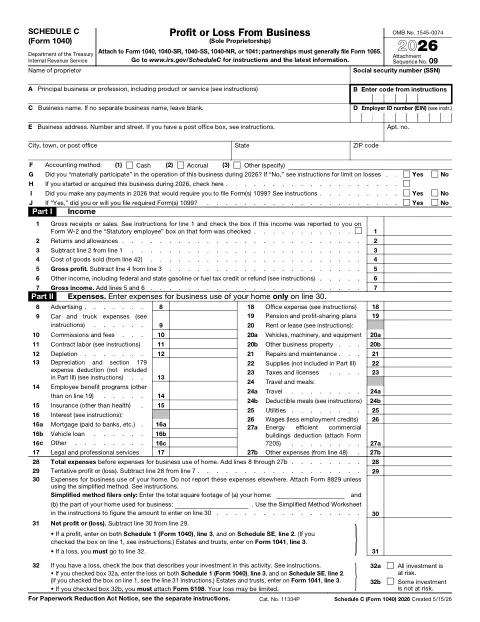 View formTax & IRSIncome TaxSchedule CProfit or Loss From Business (Form 1040)
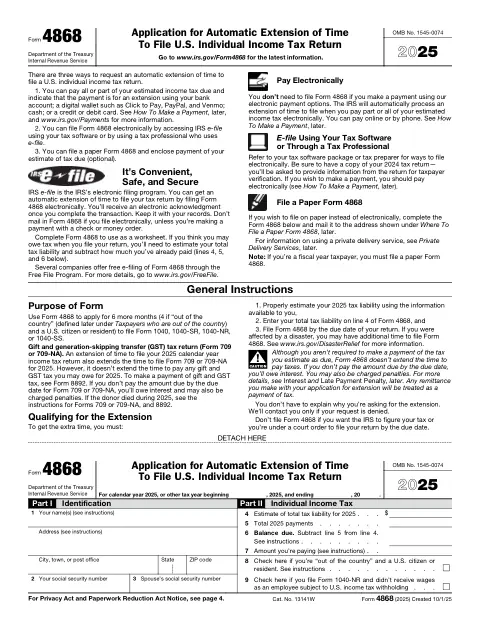 View formTax & IRSExtensions & PaymentsForm 4868Application for Automatic Extension of Time To File U.S. Individual Income Tax Return
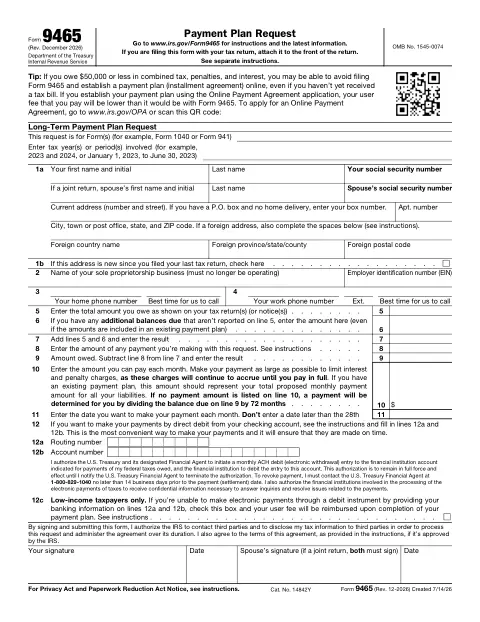 View formTax & IRSExtensions & PaymentsForm 9465Payment Plan Request
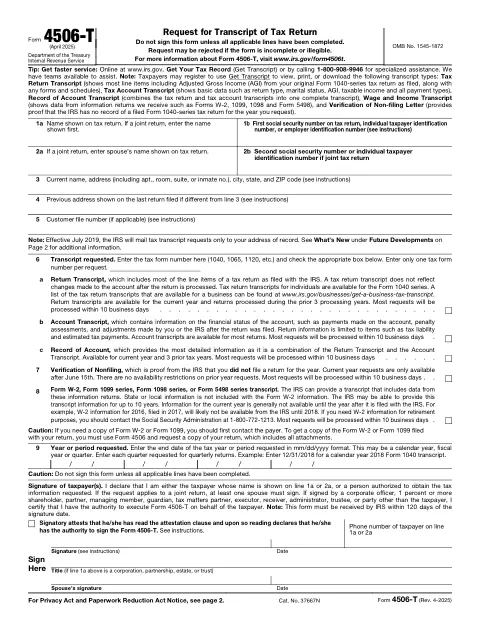 View formTax & IRSRecords & RepresentationForm 4506-TRequest for Transcript of Tax Return
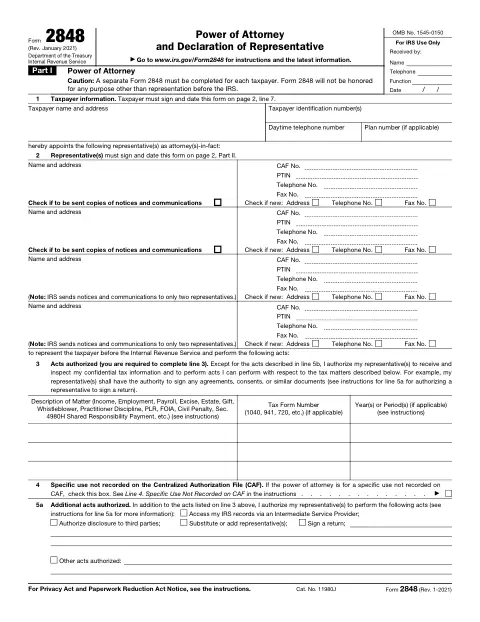 View formTax & IRSRecords & RepresentationForm 2848Power of Attorney and Declaration of Representative
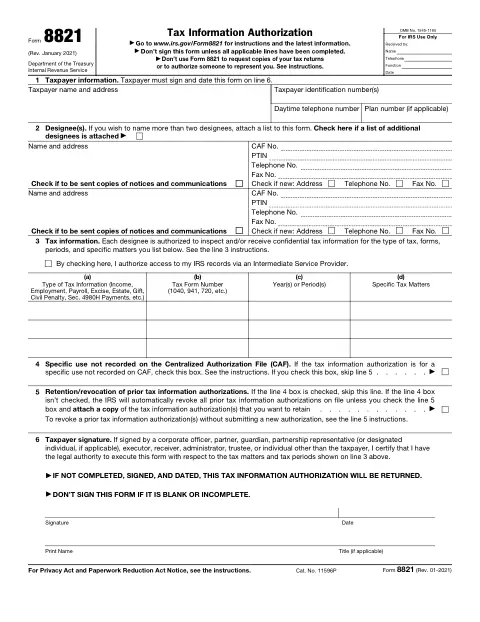 View formTax & IRSRecords & RepresentationForm 8821Tax Information Authorization
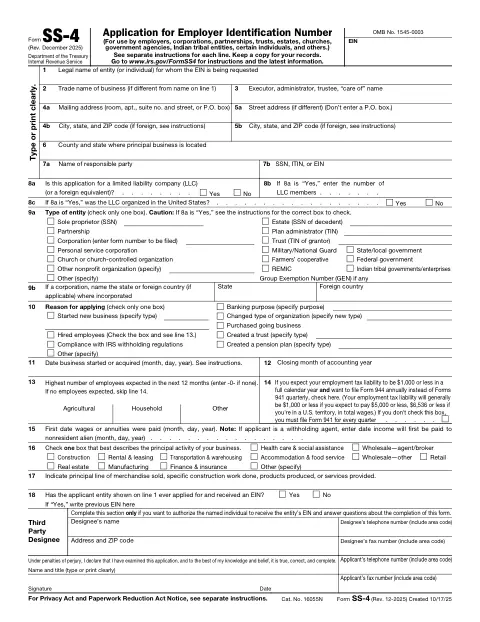 View formBusiness & FinanceBusiness SetupForm SS-4Application for Employer Identification Number
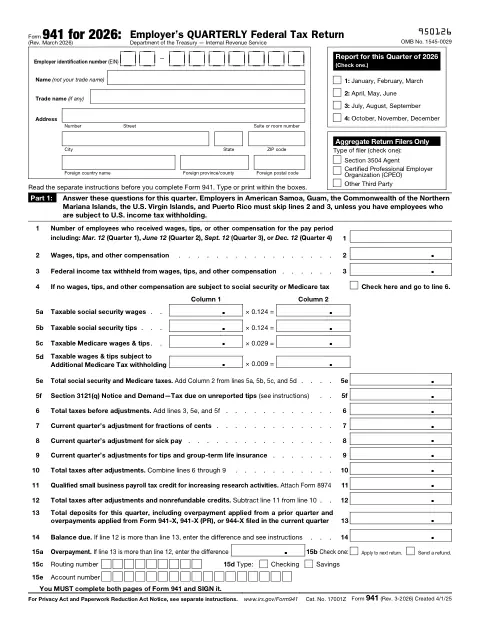 View formBusiness & FinancePayroll TaxForm 941Employer's Quarterly Federal Tax Return
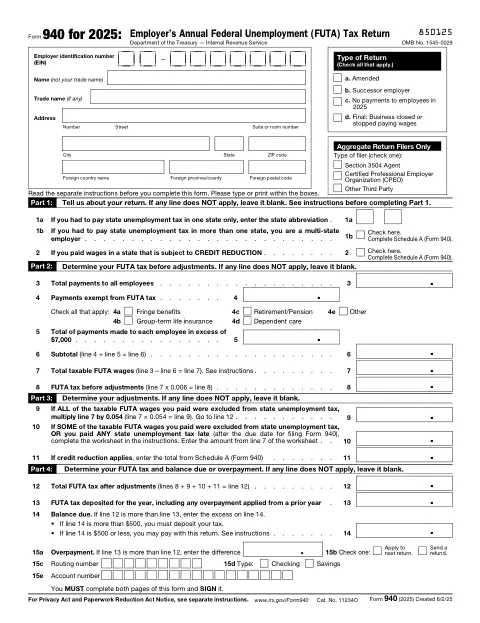 View formBusiness & FinancePayroll TaxForm 940Employer's Annual Federal Unemployment (FUTA) Tax Return
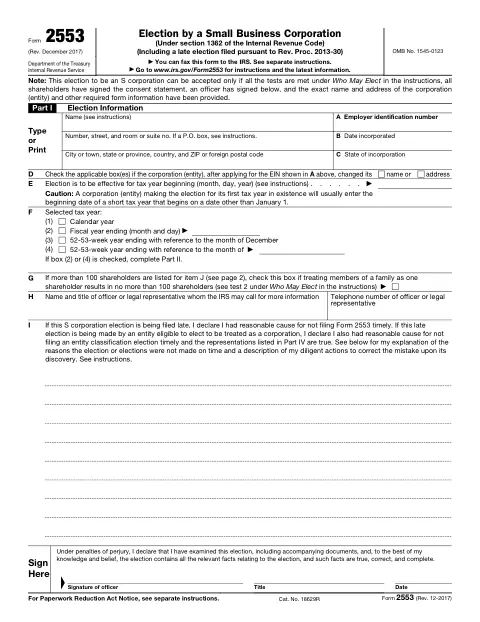 View formBusiness & FinanceBusiness SetupForm 2553Election by a Small Business Corporation
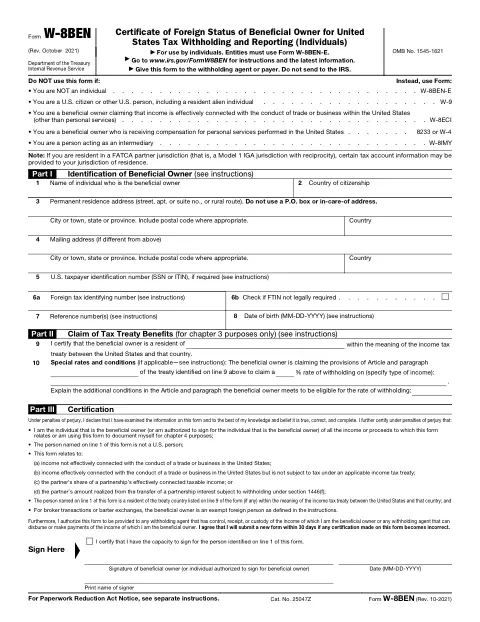 View formInternationalForeign StatusForm W-8BENCertificate of Foreign Status of Beneficial Owner for United States Tax Withholding and Reporting (Individuals)
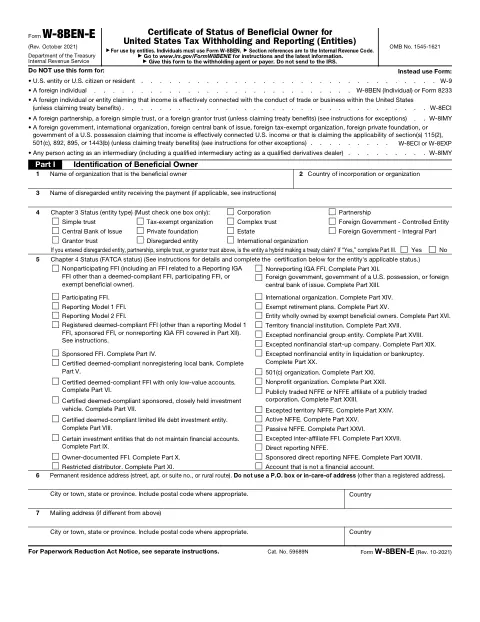 View formInternationalForeign StatusForm W-8BEN-ECertificate of Status of Beneficial Owner for United States Tax Withholding and Reporting (Entities)
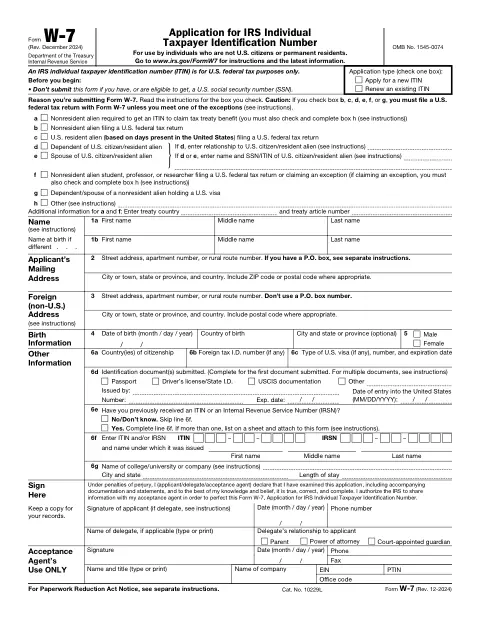 View formInternationalTaxpayer IDForm W-7Application for IRS Individual Taxpayer Identification Number
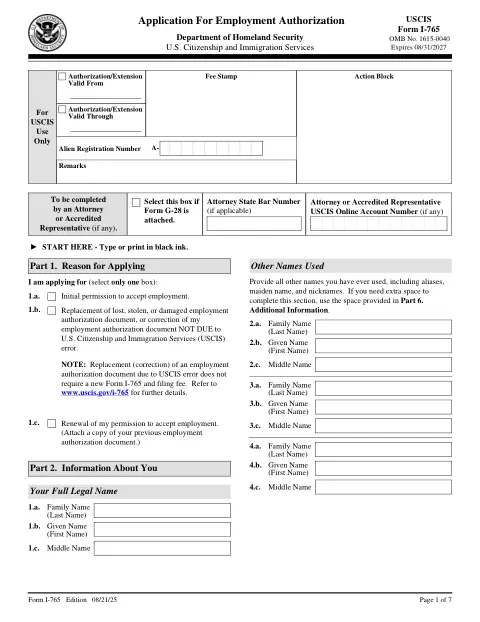 View formImmigrationWork PermitForm I-765Application for Employment Authorization
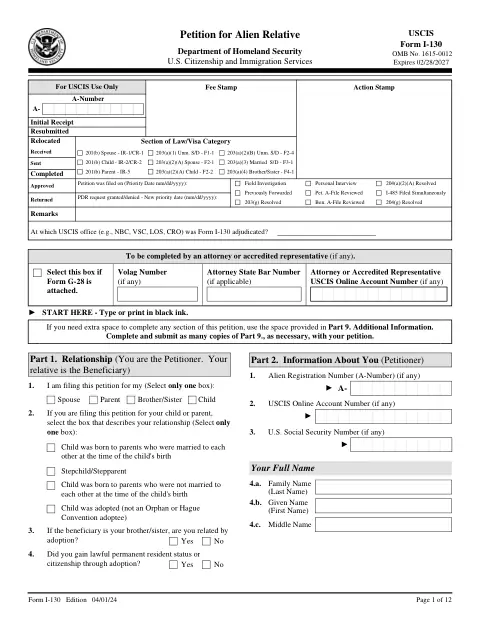 View formImmigrationFamilyForm I-130Petition for Alien Relative
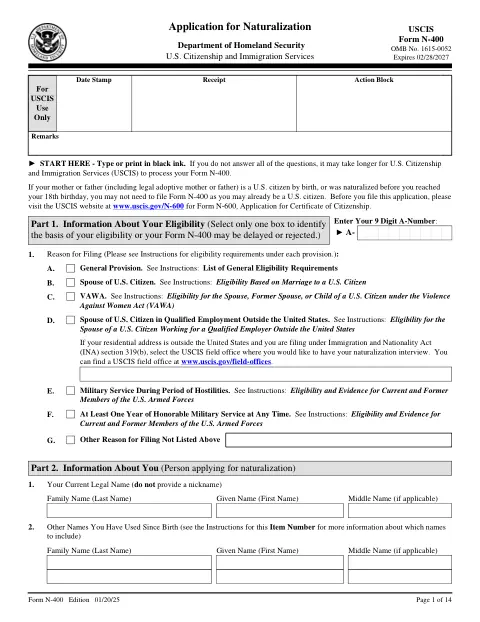 View formImmigrationCitizenshipForm N-400Application for Naturalization
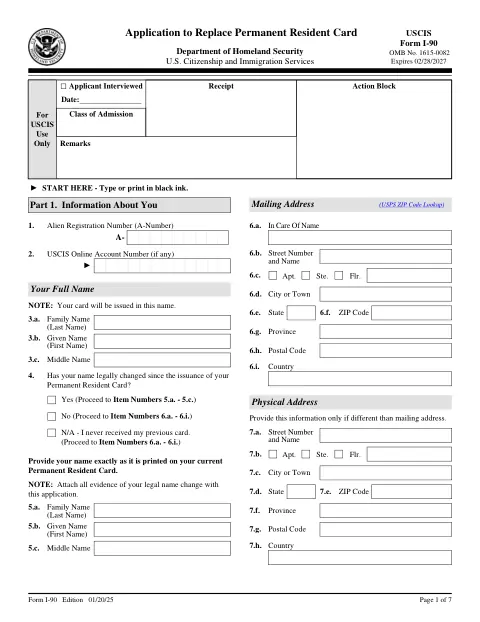 View formImmigrationGreen CardForm I-90Application to Replace Permanent Resident Card
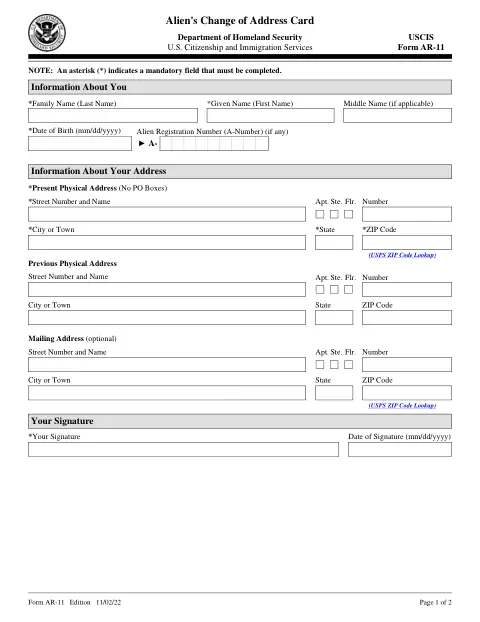 View formImmigrationChange of AddressForm AR-11Alien's Change of Address Card
How to Fill Out a Form Online in 3 Steps
- 1
Find your form
Search by number or name, or browse by category.
- 2
Fill it in online
The official form opens in our editor with its fields ready.
- 3
Download it
Save it as a PDF, Word file or image, then print, sign or send it.
Why Use the PDFezy Forms Library
Official Forms
The PDFs published by the IRS and USCIS, with their own fillable fields.
Type, Don't Print
Fill in every field on screen. No handwriting, no scanning.
Works in Every Viewer
Your answers stay in the PDF in Adobe, Preview, Chrome and on phones.
On Any Device
Fill forms on a computer, tablet or phone, with nothing to install.
Free
No account, no subscription, no watermark.
Private
Your answers are only used to make your file, never shared or sold.
Forms Library FAQs
How do I fill out a form online?
- Find your form in the library and open its page.
- Click Fill Form. The form opens in our editor with its fields ready to type in.
- Fill it in, click Download and choose PDF, Word or an image.
Is the Forms Library free?
Yes. Opening, filling in and downloading the forms is free, with no account needed.
Are these the official forms?
Yes. Each one is the official PDF from the IRS or USCIS website, with its own fillable fields. The version is shown on every form's page, so you can check it against the agency's website before you file.
Can I save a form and finish it later?
Download the PDF with what you have filled in so far. You can open it again later with Fill PDF and carry on.
Can I sign the form?
Most paper forms are signed by hand after printing. If an electronic signature is accepted where you send it, you can add one with our Sign PDF tool.
Is my information private?
You type your answers in your browser. They are only sent to our servers to make the PDF you download, and never shared or sold.
Which forms will you add next?
We are adding more forms over time, starting with the ones people ask for most.
PDFezy is not part of, or endorsed by, the IRS, USCIS or any other government agency. These are the agencies' own forms, which are free to use. We don't give tax or legal advice: check the agency's instructions, or ask a professional if you are unsure. Forms are updated from time to time, so check the version on the agency's website before you file.
Need another format?
PDFezy has 50+ PDF tools for converting, editing and signing.